"Can I see my cameras on Google Home?" and "Will this work with Alexa?" are two of the most common questions we get from homeowners planning a new security camera system. The honest answer is: it depends heavily on the type of camera and hub you're using, and the marketing around "smart home integration" often promises more than what actually ships. Here's a clear, realistic look at what automations genuinely work today, and where professional CCTV still plays by different rules.
Two Very Different Kinds of "Security Camera"
Before talking automations, it helps to separate two categories that get lumped together under "smart cameras":
- Consumer Wi-Fi cameras — designed from the ground up to talk to a cloud account and a companion app, and often built by the same company that makes a smart speaker or display (think Nest with Google Home, or Ring with Alexa). These are engineered specifically for hub integration.
- Professional NVR-based CCTV systems — wired, PoE cameras recording to a local Network Video Recorder, built around the ONVIF standard for compatibility between camera and recorder brands, and typically kept on their own isolated network for security and reliability reasons. These systems are built for continuous, high-resolution local recording first, and voice-assistant integration second (if at all).
Most of what you see demonstrated in smart-home marketing — "say a phrase and see who's at the door" — is happening on the first type. If you're comparing a camera home security system for a house or small business, it's worth knowing which category you're actually buying into, because it changes what's realistic to expect.
What the "Universal Standard" (Matter) Actually Covers Right Now
Matter was introduced as a single standard meant to let smart home devices from different brands work together without needing separate apps for each one, and it's genuinely made lights, locks, plugs and sensors easier to mix and match. Cameras, however, are a different story: as of 2026, most camera manufacturers still haven't shipped Matter-compatible camera models, and camera support remains part of the Matter roadmap rather than something you can reliably shop for today. In practice, this means camera integration with a given hub is still mostly decided by whether that specific camera brand has built a direct integration with that specific hub — not by a universal standard you can count on across the board.
Automations That Genuinely Work Today
Set expectations aside for a moment — here's what real households are actually running successfully, based on how these integrations are built today:
- Camera feed on a smart display. Saying "show me the front door" to a compatible speaker or display pulls up a live feed — this works reliably when the camera brand has a direct Google Home or Alexa integration.
- Motion-triggered lighting. A camera or doorbell detecting motion can switch on porch or entry lights automatically — one of the most dependable and widely supported automations, since it usually routes through the hub's own automation engine rather than needing deep camera-to-light compatibility.
- Multi-action alerts. A single motion or doorbell event triggering several things at once — a phone notification, a light turning on, and a clip saving to your recorder — is achievable where the camera platform supports automation "routines" or "scenes."
- Geofencing-based arming. Some alarm and camera ecosystems can arm or disarm automatically based on your phone's location leaving or approaching the property, reducing the chance of forgetting to arm the system.
Where Professional CCTV Takes a Different Approach — On Purpose
If you're running (or considering) a wired, NVR-based CCTV system for full-property or commercial coverage, don't expect — or necessarily want — the same tight voice-assistant integration as a single Wi-Fi doorbell camera. These systems are usually kept on a separate, isolated network specifically so that a compromised smart-home cloud account elsewhere in the house can't become a path into your recorded footage. Many installers, us included, deliberately avoid bridging an NVR straight into third-party cloud hubs for exactly this reason. Where integration is wanted, it's usually handled through the NVR manufacturer's own app rather than a voice assistant, or through a dedicated video management platform for multi-site commercial monitoring.
This isn't a limitation to apologise for — it's a genuine security trade-off. A system built to keep 24/7 recordings safe and reliable for months at a time is optimised differently than a single camera built to chat with a smart speaker.
A Note on Smart Intercoms
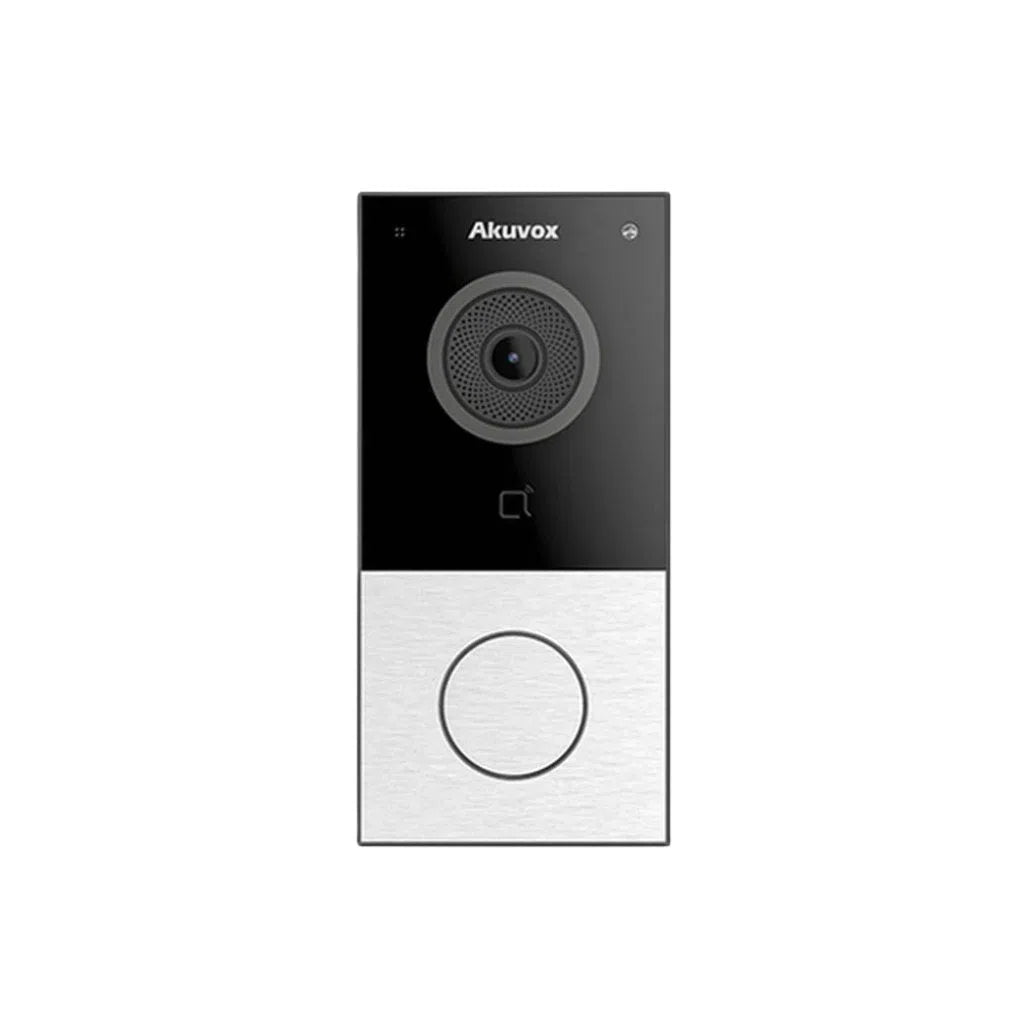
If your goal is specifically visitor management rather than full-property surveillance, smart intercom systems sit in a middle ground — they're IP-networked like professional CCTV, but built with their own mobile apps for two-way audio, remote door release and call forwarding, which covers most of what people actually want from "smart" video at the front door without needing a separate consumer camera and hub setup at all.
Before You Connect Any Camera to a Third-Party Hub
- Check the manufacturer's official integration list rather than assuming compatibility — "smart" on the box doesn't guarantee a specific hub is supported.
- Use strong, unique passwords and two-factor authentication on every cloud account tied to a camera or hub — this is the single biggest practical security step most households skip.
- Keep a dedicated NVR-based CCTV system on its own network segment where possible, rather than bridging it directly into a general smart-home cloud ecosystem.
- Keep firmware updated on cameras, NVRs and hubs — security patches for network video equipment are released regularly and matter more than most people assume.
Why Choose Total Security Equipment
We supply and help design both ends of this picture — genuine consumer-friendly camera options for straightforward smart-home integration, and full professional NVR-based CCTV camera systems for whole-property or commercial coverage. Rather than promising every product will talk to every hub, we'll tell you plainly what integrates well today, what doesn't yet, and which setup actually matches what you're trying to achieve.
Smart Home Camera Integration FAQs
1. Can any security camera connect to Google Home or Alexa?
No. A camera needs a direct integration built by its manufacturer for that specific hub. Always check the manufacturer's official supported-devices list before assuming compatibility — "smart" branding doesn't guarantee a specific voice assistant is supported.
2. Is Matter a universal standard for security cameras yet?
Not yet in practice. Matter has improved cross-brand compatibility for lights, locks and sensors, but as of 2026 most camera manufacturers haven't shipped Matter-compatible camera models, so camera integration is still mostly handled through brand-specific apps and cloud connections.
3. Should I connect my professional CCTV/NVR system directly to a smart home hub?
Generally, no — most professional NVR-based systems are best kept on their own isolated network. Bridging them into a general smart-home cloud ecosystem increases the attack surface for your recorded footage without adding much practical benefit.
4. What automations actually work reliably today?
Motion-triggered lighting, viewing a live camera feed on a compatible smart display via voice command, multi-action alert routines, and geofencing-based system arming are all commonly and reliably supported where the camera or alarm platform has built the integration.
5. Can a camera automatically unlock my smart lock?
Some ecosystems support this, but we'd encourage caution with fully automatic camera-to-lock automations for security reasons — a two-way talk confirmation or a manual approval step is generally a safer approach for door access than fully automatic unlocking based on camera detection alone.
6. Do smart intercoms integrate with hubs the same way as cameras?
Smart intercoms typically rely on their own dedicated mobile app for two-way audio and remote door release rather than voice-assistant integration, which covers most of what people want from a "smart" front door without needing a separate hub setup.
7. Is Wi-Fi or wired PoE better for smart home integration?
Wi-Fi consumer cameras are generally built with hub/app integration as a core feature. Wired PoE cameras on a professional NVR system are built for reliable continuous local recording first, with hub integration being secondary or absent — the right choice depends on what you actually need the system to do.
8. Is it safe to link my camera system to a cloud smart-home account?
It can be, provided you use strong unique passwords, enable two-factor authentication, and keep firmware updated on every connected device. For a full property CCTV system, keeping it on a separate network segment adds an extra layer of protection.
9. Will Matter camera support improve soon?
Camera support is part of the Matter roadmap and manufacturer adoption is expected to grow over time, but there's no fixed timeline for it becoming a reliable, widely supported standard the way it now is for lights and locks.
10. How do I know which camera setup is right for my home?
It depends on your priority: if voice-assistant convenience matters most, a consumer Wi-Fi camera with confirmed hub support is the better fit. If full-property coverage, reliability and long-term local recording matter most, a professional NVR-based system is the better fit — and the two aren't mutually exclusive on the same property.
Additional Information
Melbourne HQ
26 Davies Ave., Sunshine North, VIC 3020
03 9079 5566
Sydney Branch
38 Lisbon St., Fairfield East, NSW 2165
02 8722 0348
Ordering & Support
- Australia-wide prompt shipping
- 100% genuine official stock with full local warranty
- Matching NVRs, switches & network gear in stock
- Trade accounts and installer discounts available
- Professional technical guidance on system design & compatibility
Not sure whether a camera system will work with your existing smart home setup? Contact our Melbourne team on 03 9079 5566 or Sydney on 02 8722 0348 for technical advice.