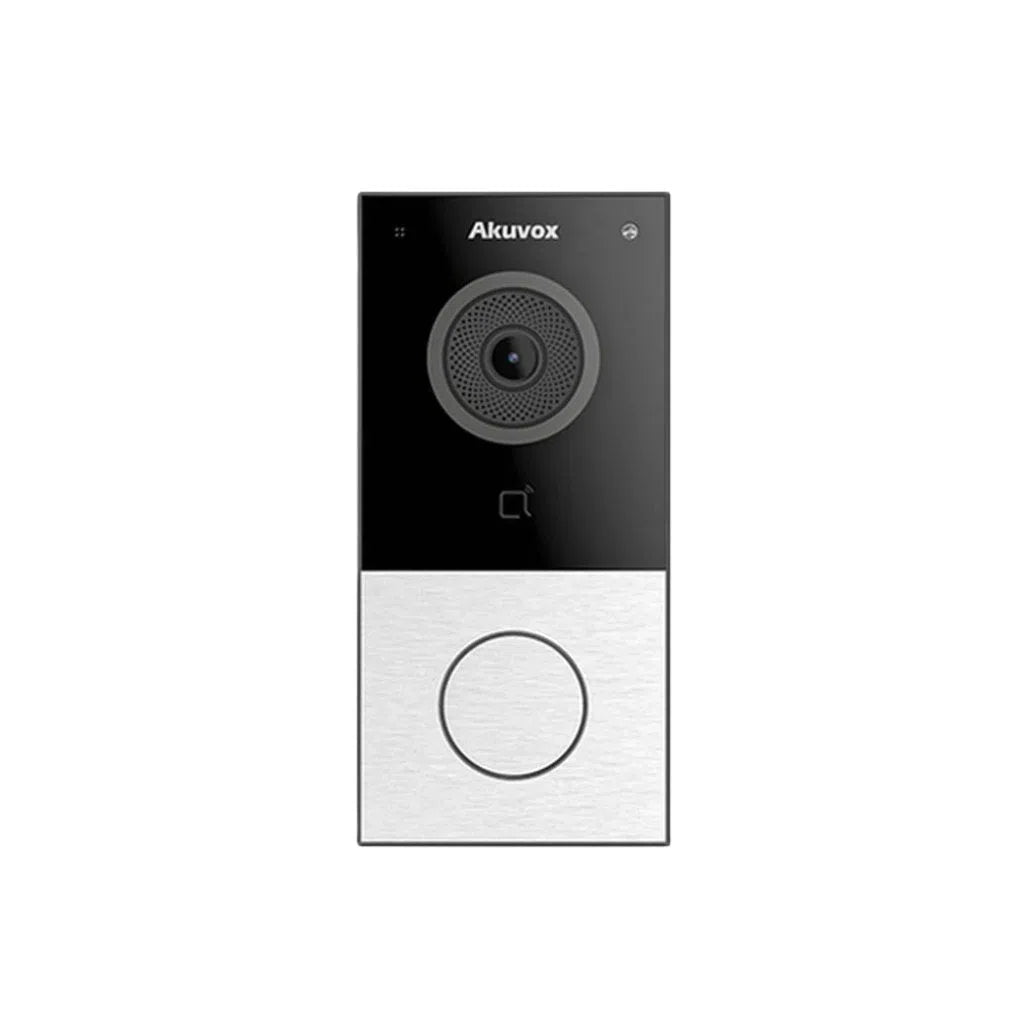
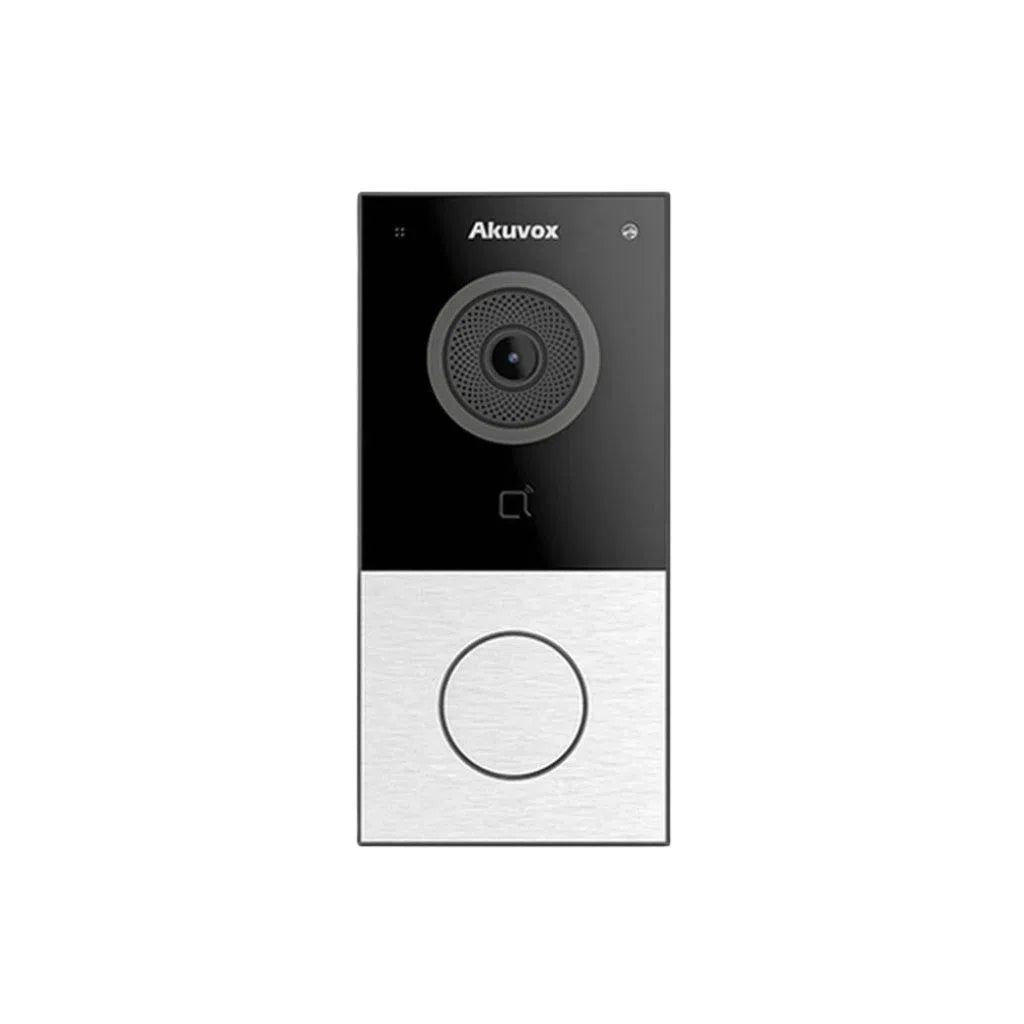
When a video intercom install goes wrong, it's rarely the intercom hardware itself that's at fault. Most of the calls we see about a "faulty" intercom — laggy video, calls that won't connect, doors that unlock late or not at all — trace back to how the device was set up on the network, not a defective unit. If you're installing or specifying a commercial intercom system, the network stage is where the real work happens, and it's worth getting right before the hardware ever goes on the wall.
PoE Power Budgeting: The Same Trap as CCTV, With Extra Load
Most commercial video intercoms run on Power over Ethernet, which is convenient — one cable for power and data — but only if the switch feeding it has the capacity to spare. A common mistake is sizing the PoE switch to exactly the sum of the connected devices' rated draw, with no margin. General guidance is to calculate the total power budget for everything on that switch and add roughly 20% extra capacity, which covers startup surges and any additional devices (door strikes, gate relays, a second camera at the entry) added to the same switch later. This is the same principle covered in more depth in our network design and PoE budgeting guide for larger camera systems — an intercom door station with an integrated camera, display and speaker can draw meaningfully more than a basic fixed camera, so it's worth checking its actual rated wattage rather than assuming it's a low-power device.
Cabling: Cheap Shortcuts Show Up Later, Not on Day One
Cat5e or Cat6 cable run to the T568B wiring standard, properly labelled at both ends, is the baseline for a reliable install — and standard PoE copper cabling is still limited to around 100 metres between the switch and the device, the same constraint that applies to IP cameras. An intercom at a distant gate or a secondary entrance is a common place for this limit to get missed on a large site, since gate positions are often further from the comms room than any camera. In retrofit situations where running new cable is impractical, two-wire options exist, but they come with their own bandwidth and compatibility trade-offs worth confirming against the specific intercom model before committing.
Network Segmentation and Congestion
Video delay during a call is one of the most common intercom complaints, and it's usually traced back to network congestion or a switch running near its capacity rather than a hardware fault in the intercom itself. On larger commercial sites, placing intercom devices on their own dedicated VLAN — separate from general office traffic, tenant Wi-Fi, or an already-busy CCTV VLAN — reduces the chance of the intercom's video and audio stream competing for bandwidth with everything else on the network, and adds a layer of security isolation as well. This is the same segmentation principle we've covered for camera systems generally, extended here to intercoms specifically since they're just as much a networked device as a camera.
Firewall Rules and Cloud Connectivity
Many modern intercoms rely on the manufacturer's cloud service for remote answering, mobile app calls, or off-site management — which means the site's firewall needs to allow that traffic through, not just block it by default the way a security-conscious network usually does. Manufacturers typically publish a specific list of cloud endpoints (API and relay servers, firmware update servers, SIP call-routing infrastructure, time-sync servers) that need to be allowlisted for the system to work reliably. One failure mode worth knowing about specifically: on networks running SSL inspection or deep packet inspection (common in larger corporate environments), the intercom can be unable to properly certify its secure cloud connection, which looks like an intermittent or total connectivity failure even though nothing is wrong with the intercom or the internet connection itself. If a commercial intercom won't reliably reach the cloud despite a working internet connection, this is one of the first things worth checking with whoever manages the site's firewall.
DHCP, Static IPs and Address Conflicts
Getting the IP address, subnet mask, default gateway and DNS servers right — whether via DHCP or a fixed static assignment — is basic but easy to get wrong on a site with several network-connected systems (CCTV, access control, intercom, general IT) sharing infrastructure. Incorrect or conflicting IP settings can silently block communication between devices that otherwise look correctly wired and powered, which is why address planning deserves the same attention as the physical cabling — worth confirming with whoever manages the broader network before assuming a device will "just work" once plugged in.
Wired vs. Wireless, and What Happens When the Internet Drops
A wired PoE connection is meaningfully more reliable than Wi-Fi for a permanent entry-point device — weak Wi-Fi signal is a well-known cause of dropped calls and missed alerts, and an entry intercom isn't somewhere you want an avoidable point of failure. It's also worth confirming, before you commit to a specific system, whether it can still make local calls and unlock the door over the LAN if the internet connection or the manufacturer's cloud service goes down — many commercial intercoms retain this local fallback, but not all do, and it's a meaningful reliability difference to know about upfront rather than discovering during an actual outage.
Integration With Access Control
If the intercom needs to trigger a door strike, gate motor, or talk to an existing access control platform, systems built on open standards like SIP, ONVIF, or a published SDK generally integrate more smoothly than closed proprietary systems — worth checking this compatibility against your existing (or planned) access control platform before purchase, rather than after the intercom is already mounted.
Why Choose Total Security Equipment
We supply and help specify video intercom systems for commercial sites across Melbourne and Sydney, and we work through the network side of the install — PoE budgeting, VLAN placement, firewall requirements — as part of getting the system right the first time, not as an afterthought once it's already on the wall.
Intercom Network Installation FAQs
1. Why does my intercom's video lag or freeze during calls?
This is usually network congestion or a switch running near its capacity, not a fault in the intercom itself — placing the intercom on its own VLAN and confirming the switch has spare bandwidth typically resolves it.
2. How much PoE power headroom should I budget for an intercom install?
General guidance is to total the rated draw of everything on that switch and add roughly 20% extra capacity, covering startup surges and any devices added later — the same principle used for larger camera network designs.
3. Should intercoms be on the same network as everything else, or a separate VLAN?
A dedicated VLAN is recommended for larger commercial deployments — it reduces the chance of intercom traffic competing with general office or tenant traffic, and adds a layer of security isolation.
4. My intercom can't connect to the cloud even though the internet is working — why?
A common cause on corporate networks is firewall rules or SSL/deep packet inspection blocking the intercom's connection to the manufacturer's cloud servers. Allowlisting the manufacturer's specific cloud endpoints usually resolves it.
5. Does the intercom still work if the internet goes down?
Many commercial intercoms retain local LAN-based calling and unlocking without internet, but not all do — worth confirming this specifically for the model you're considering before purchase.
6. Should I use Wi-Fi or a wired connection for an entry intercom?
Wired PoE is meaningfully more reliable for a permanent entry point — weak Wi-Fi signal is a common cause of dropped calls and missed alerts on an intercom.
7. What's the maximum cable run for a PoE intercom?
Around 100 metres for standard copper PoE cabling, the same limit that applies to PoE cameras — a distant gate or secondary entrance is a common place for this to be overlooked.
8. The door unlocks late or intermittently after an intercom call — is that a network issue?
Often, yes — intermittent unlock failures are frequently traced to unstable power delivery or relay wiring rather than the intercom unit itself, which is worth checking alongside the network configuration.
9. Does it matter if the intercom supports SIP or ONVIF?
Yes, if you need it to integrate with existing access control or property management systems — open standards like SIP, ONVIF, or a published SDK generally make that integration smoother than a closed proprietary system.
10. What's the single most avoidable mistake in a commercial intercom install?
Treating the network setup as an afterthought. PoE budgeting, VLAN placement, IP addressing and firewall rules for cloud connectivity should all be planned before the hardware goes on the wall, not diagnosed after installation when something doesn't work.
Additional Information
Melbourne HQ
26 Davies Ave., Sunshine North, VIC 3020
03 9079 5566
Sydney Branch
38 Lisbon St., Fairfield East, NSW 2165
02 8722 0348
Ordering & Support
- Australia-wide prompt shipping
- 100% genuine official stock with full local warranty
- Video intercoms, PoE switches & access control hardware in stock
- Trade accounts and installer discounts available
- Network design support for commercial intercom projects
Specifying an intercom system for a commercial site? Contact our Melbourne team on 03 9079 5566 or Sydney on 02 8722 0348 to get the network side right from the start.