SKU:PR301
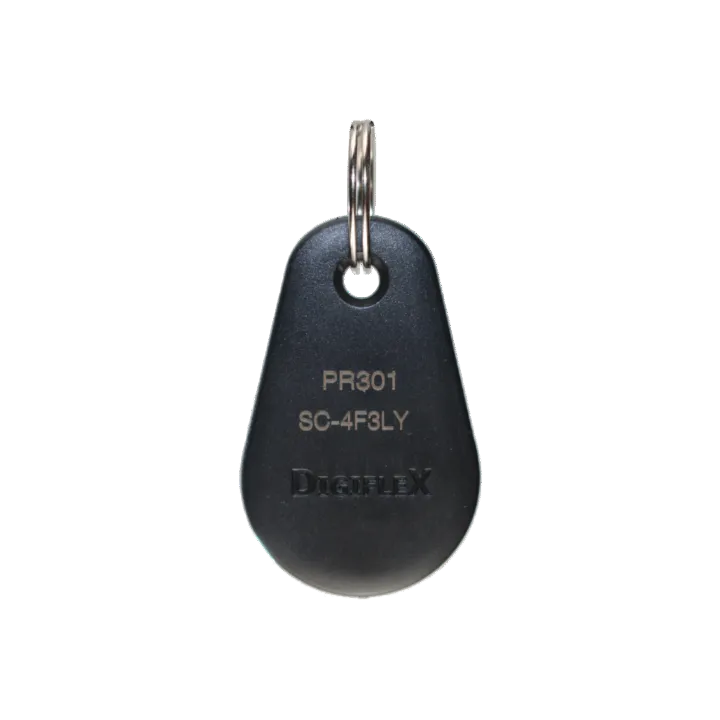
Bosch 6000 PR301 Smart Card Fob Black
Login to buyStop worrying about forgotten PINs. The Bosch PR301 Smart Card Tag makes home security easy for everyone. Whether it’s the kids coming home from school or grandparents visiting for the weekend, this "swipe-and-go" fob provides instant access without the stress of remembering codes.
Highlights:
- Kid-Friendly: No codes for children to memorize (or share).
- Simple & Secure: Just swipe the tag over your Bosch Solution 6000 keypad.
- Sturdy Design: Built to withstand the daily wear and tear of a busy keyring.
- Instant Setup: Can be added to your system in seconds.
-
Vendor:
Bosch
- Description
How to Add Remotes or Smart Tags (Tokens)
Before you begin: Ensure you have your 4-digit Master Code and the new devices ready.
-
Enter Programming Mode Enter your [Master Code] followed by the MENU key.
-
Navigate to User Settings Enter the quick-code 1 - 3 - 0. A list of users will appear; use the arrow keys to highlight the desired user and press OK.
-
Register the Device When the screen displays
0000000000, you have two options to link the device:-
Manual Entry: Type in the unique ID number found on the back of the remote or tag.
-
Auto-Learn: Press and hold the Locked Padlock button on the remote for 5 seconds. The RF ID number will automatically populate on the keypad screen.
-
-
Save and Exit Press OK to save the ID. To finish, press and hold the MENU key until you return to the main home screen.