6 Things You Need to Know Before Buying a Home Security Camera in Australia
Your no-nonsense 2026 buying guide — from resolution and night vision to cloud storage and smart home integration
|
⏱ Reading time: 7 minutes | Updated: 2026 | Published by Total Security Equipment — Melbourne & Sydney |
Choosing a home security camera in Australia shouldn't feel like reading a technical manual. But between megapixels, IR LEDs, HDR, cloud storage, and the dozens of brands on the market, it's easy to walk away more confused than when you started.
At Total Security Equipment, we supply and support home security systems across Melbourne and Sydney every day. We've distilled everything into six key factors — the ones that actually matter when you're protecting your home and family in 2026.
Whether you're buying your first CCTV camera or upgrading an existing home security system, this guide will cut through the noise.

|
1 |
Camera Resolution — How Much Detail Do You Actually Need? |
Resolution is one of the most misunderstood specs in home security. Simply put, resolution refers to the number of pixels that make up a video image. More pixels means more detail — but there's a point of diminishing returns.
The two most common resolutions for home CCTV cameras in Australia are:
• The current minimum standard for any new installation. Clear enough for facial recognition at close range and suitable for indoor cameras or low-risk areas.1080p (2MP):
• Our recommended starting point for external cameras in 2026. Noticeably sharper than 1080p, especially when zooming in on footage after an event.4MP:
• Best for driveways, street-facing cameras, and any area where you need licence plate recognition or wide perimeter coverage.4K (8MP):
|
⚠️ Storage Trade-off: 4K footage requires approximately four times the hard drive space of 1080p footage for the same recording duration. If you plan to record continuously, factor storage costs into your budget — or use smart motion-trigger recording to reduce storage usage. |
At TSE, we recommend 4MP cameras for most home entry points, and 4K only where the detail is genuinely needed — such as a long driveway or front gate facing the street.
|
Is 4K worth it for home security cameras in Australia? |
|
For most residential applications, 4MP offers the best balance of image quality and storage efficiency. 4K is worth the investment for driveways, front fences, and areas where licence plate recognition matters. For indoor cameras or secondary coverage points, 1080p or 4MP is more than sufficient. |

|
2 |
Wide-Angle and 360° Cameras — When One Camera Does the Work of Three |
Standard CCTV cameras cover a fixed field of view — typically 90° to 110°. If you have a large open area (a warehouse, open-plan living space, or wide backyard), you'd normally need multiple cameras to cover the same zone.
Wide-angle and 360° fisheye cameras solve this with specialised lenses:
• Ideal for covering an entire wall, corridor, or building facade in a single shot. Common in retail and commercial environments, and increasingly popular for residential garages and driveways.180° wide-angle cameras:
• Cover an entire room or outdoor area from a single mounting point. Footage appears warped in its raw form but is corrected automatically by the NVR or software into a usable "de-warped" flat image.360° fisheye cameras:
|
💡 TSE Recommendation: 360° cameras are excellent for open indoor spaces — living rooms, warehouses, reception areas. For external areas, a conventional wide-angle camera with a varifocal lens typically gives cleaner, more usable footage than a fisheye. Ask our team which suits your layout. |
One important caveat: 360° cameras trade resolution for coverage. When zooming into a specific area of a fisheye image, the detail is lower than a dedicated fixed camera pointing at the same spot. For high-security areas, a conventional camera with optimal placement will always outperform a fisheye.

|
3 |
Mixed Lighting and HDR — The Problem Most Homeowners Don't See Coming |
Here's a scenario that trips up more Australian homeowners than any other:
You install a camera at your front door. In daylight, it looks great. Then someone opens the door — and all you see is a bright white rectangle of sunlight with a dark silhouette inside. The face is invisible.
This is called the mixed lighting problem, and it affects any camera pointed at a doorway, garage entry, or window during daylight hours.
Why it happens
A camera's sensor can only expose for one light level at a time. When bright sunlight floods through a doorway, the camera exposes for that brightness — making the indoor area too dark to capture clearly. The result: you know someone entered, but you can't identify who.
How to solve it: HDR (High Dynamic Range)
Commercial-grade cameras from Hikvision, Dahua, and HiLook solve this with Wide Dynamic Range (WDR) or HDR technology. These cameras capture two exposures simultaneously — one for the bright area and one for the darker area — then combine them into a single properly-exposed image.
The result: you see the outdoor sunlight clearly and the person's face clearly, in the same frame.
|
✅ What to look for: When buying a camera for a doorway, garage entry, or any area with mixed indoor/outdoor lighting, always choose a model with WDR or HDR. At TSE, the Hikvision AcuSense and Dahua WizSense ranges include high-quality WDR as standard. |
|
What is HDR on a security camera? |
|
HDR (High Dynamic Range) or WDR (Wide Dynamic Range) is a feature that allows a security camera to produce properly exposed footage in scenes with both very bright and very dark areas — such as a doorway with sunlight behind it. Cameras without this feature will either overexpose the bright area or underexpose the dark area, often making faces unidentifiable. |

|
4 |
Night Vision — What Actually Works After Dark |
The majority of break-ins across Melbourne and Sydney occur after dark. Night vision performance is arguably the most critical spec for any external home security camera — and it's the area where cheap cameras fail most visibly.
Standard IR Night Vision
Most entry-level cameras use infrared LEDs to illuminate the scene invisibly to the human eye. The camera switches to monochrome (black and white) mode at night, using the reflected IR light to create an image. This works well in complete darkness and is sufficient for most secondary cameras.
Full-Colour Night Vision (Hikvision ColorVu / Dahua Full-Colour)
Premium cameras from Hikvision and Dahua include a supplemental white-light LED that activates in low light to produce full-colour footage. This is significantly more useful for identifying clothing colour, vehicle colour, and facial features in the footage.
The Hikvision ColorVu and Dahua Full-Colour ranges are our top recommendation for front doors, driveways, and street-facing cameras.
Smart Dual-Light Cameras
The latest generation of cameras (Hikvision AcuSense, Dahua WizMind) combine IR with a smart white-light trigger: the camera records in IR normally, then switches to white light when a person or vehicle is detected. This minimises light pollution while maximising identification quality.
|
🌙 Can security cameras see through glass at night? Standard IR cameras mounted behind glass will reflect IR light off the glass and create a blurry, overexposed image. To use a camera through a window at night, disable the built-in IR, position the camera flush to the glass, and provide external IR or white-light illumination. For best results, mount cameras externally with weatherproof housings. |
|
What is the best outdoor security camera with night vision in Australia? |
|
For Australian homes in 2026, the Hikvision ColorVu and Dahua Full-Colour ranges offer the best full-colour night vision performance. For AI-powered detection with smart white-light, the Hikvision AcuSense and Dahua WizMind series are our top picks. All are available at Total Security Equipment. |

|
5 |
Remote Video Storage — Cloud vs Local and What Makes Sense in 2026 |
Where your footage is stored is just as important as how it's recorded. Lose your NVR to theft or damage, and your footage goes with it — unless you have a backup strategy.
Local Storage (NVR/DVR with Hard Drive)
The most common setup for Australian homes: an NVR (Network Video Recorder) with a built-in hard drive records footage locally. This is cost-effective, has no ongoing fees, and keeps your data on-premises. The downside: if the NVR is stolen or damaged in the same event as the break-in, footage is lost.
Cloud Video Storage
Cloud storage sends footage (or event clips) to a secure remote server. Hikvision's Hik-Connect and Dahua's DMSS platforms both offer cloud clip storage integrated into their apps. The key benefits:
• Footage is preserved even if the physical device is stolen or damaged
• Remote access from anywhere in Australia or overseas — view live and recorded footage on your phone
• Notification alerts with clip previews sent directly to your device
Hybrid Approach (Recommended)
For most Australian homes, the ideal setup combines local NVR storage for continuous recording with cloud backup for event clips. This gives you full coverage locally and tamper-proof evidence remotely.
|
📱 TSE Tip: Hikvision's Hik-Connect app and Dahua's DMSS app are both free to download and include basic cloud clip storage at no ongoing cost. No subscription required for core remote viewing features. |
|
Does CCTV footage get stored in the cloud? |
|
It can — but it depends on the system. Entry-level CCTV systems record to a local hard drive only. Premium systems from Hikvision and Dahua support hybrid storage: continuous local recording on an NVR plus automatic upload of event clips (motion, person detection, vehicle detection) to the cloud via their free apps. |

|
6 |
Thermal Cameras — When You Need to See What Standard Cameras Can't |
Thermal cameras represent the upper end of home and commercial security technology. Rather than relying on visible light or infrared reflection, thermal cameras detect the heat signature emitted by living objects — people, animals, and vehicles.
This means they can detect movement through smoke, fog, foliage, or in complete darkness — conditions where a conventional camera produces a blank image.
How thermal cameras work
A thermal camera's sensor measures tiny differences in infrared radiation (heat) emitted by objects in its field of view. It then renders an image where temperature differences appear as contrast. A person standing in a dark yard will appear distinctly against the cooler background, regardless of ambient light levels.
When does a residential property need a thermal camera?
• Large acreage, rural properties, or properties with significant perimeter to monitor
• Areas with poor lighting where IR illumination is impractical (very long distances)
• High-value properties requiring perimeter detection before an intruder reaches the building
• Properties adjacent to bushland or dense vegetation
|
💡 Realistic expectation: Thermal cameras are not standard for most Australian suburban homes — their value is in detection, not identification. They won't give you a clear image of a face or a licence plate. For residential use, they're most effective as a perimeter trigger that activates conventional cameras. TSE can advise whether thermal makes sense for your property. |
TSE stocks thermal-capable cameras and hybrid systems suitable for both residential and commercial security applications across Melbourne and Sydney.
Bonus: Smart Home Security System Integration in 2026
A camera that just records is no longer enough. The best home security systems in Australia in 2026 connect every layer of your protection into a single platform:
• CCTV cameras with AI person/vehicle detection (Hikvision AcuSense, Dahua WizMind)
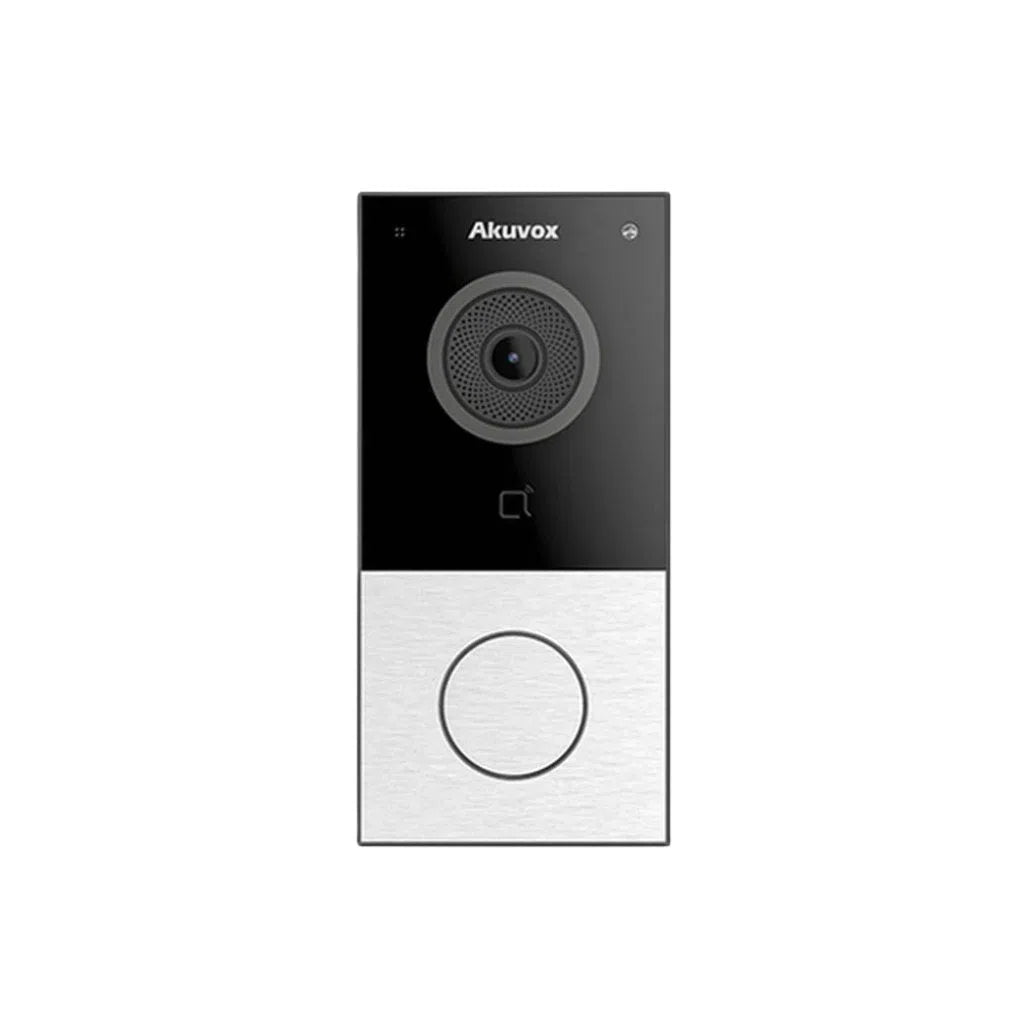
• Video intercom systems (Akuvox) linked to your CCTV app — see and speak to visitors from anywhere
• Alarm systems that trigger camera recording and push a notification to your phone simultaneously
• Smart lighting integration — motion detected by camera triggers outdoor lights
• Remote door access — unlock your gate or front door for a trusted visitor without being home
All TSE systems are configured to work together. Whether you're starting with a 4-camera CCTV kit and adding an intercom later, or designing a full smart security system from scratch — our team can build a solution that grows with your home.
Frequently Asked Questions
|
What is the best home security camera brand in Australia in 2026? |
|
Hikvision, Dahua, and HiLook (Hikvision's value sub-brand) consistently rank as the top-rated home security camera brands globally and in Australia. For premium AI features and colour night vision, Hikvision AcuSense and Dahua WizMind are best-in-class. For budget-conscious installs without sacrificing quality, HiLook is our top pick. All three brands are available at Total Security Equipment. |
|
Do I need a Wi-Fi camera or a wired camera for my home? |
|
Wired PoE (Power over Ethernet) cameras are more reliable, more secure, and produce better image quality than Wi-Fi cameras. Wi-Fi cameras suit apartments or situations where running cable is impractical. For any permanent installation in a house, we recommend wired PoE cameras connected to an NVR. |
|
Can I integrate security cameras with my existing alarm system? |
|
Yes. Modern IP cameras from Hikvision and Dahua are compatible with most alarm systems and smart home platforms. TSE can advise on the right setup for your existing alarm brand. |
|
What should I look for in a home security camera in 2026? |
|
Minimum 4MP resolution, WDR/HDR for mixed lighting, colour night vision for external cameras, AI-powered detection (to reduce false alerts), remote viewing via smartphone app, and compatibility with your NVR or smart home system. Brands to consider: Hikvision, Dahua, HiLook. |
Talk to the TSE Team Before You Buy
The wrong camera in the wrong position is worse than no camera at all. Getting it right means understanding your property's layout, lighting conditions, and what you actually need to record — not just what looks impressive on a spec sheet.
Total Security Equipment supplies, advises, and supports home security systems across Melbourne and Sydney. Visit our showrooms, call our team, or browse our full range of Hikvision, HiLook, Dahua, and Akuvox products online.
Showroom:
📍 Melbourne: 26 Davies Ave, Sunshine North VIC 3020
📍 Sydney: 38 Lisbon St., Fairfield East, NSW 2165