Wired vs Wireless Security Cameras: Which Is Better for Australian Homes in 2026?
PoE or Wi-Fi — the honest comparison from a supplier who stocks both
|
⏱ Reading time: 8 minutes | Updated: 2026 | Published by Total Security Equipment — Melbourne & Sydney |
When most Australian homeowners start shopping for a home security system, the wired vs wireless question comes up almost immediately — and the answer they get online is often oversimplified.
"Wireless is easier to install." "Wired is more reliable." Both of these are true. Neither one tells the full story.
At Total Security Equipment, we install both systems across Melbourne and Sydney. This guide gives you the complete, honest comparison — so you can make the right call for your property, budget, and lifestyle in 2026.
|
💡 Quick Answer: For most Australian houses, wired PoE cameras are the better long-term investment. For apartments, rentals, or situations where cabling is impractical, wireless cameras are a capable and legitimate alternative — especially with modern AI-powered options from Hikvision and Dahua. |

What Is a Wired Security Camera System?
A wired CCTV system uses physical cables to connect cameras to a central recorder (NVR — Network Video Recorder). In modern systems, this is done via a single Ethernet cable (Cat5e or Cat6) using a technology called PoE — Power over Ethernet.
PoE does two things through one cable: it transmits video data from the camera to the NVR, and it delivers power to the camera. No separate power outlet needed at each camera location.
What's included in a typical wired PoE system:
• IP cameras (dome, bullet, or turret style — indoor or outdoor rated)
• PoE NVR (Network Video Recorder) — stores footage on an internal hard drive
• Ethernet cabling run from NVR to each camera location
• Optional: PoE switch for larger installations
• Optional: Remote monitoring via app (Hik-Connect for Hikvision, DMSS for Dahua)
|
🔌 TSE Tip: The terms 'wired' and 'PoE' are often used interchangeably for modern IP camera systems. If someone is still recommending coaxial cable (DVR-based analogue), that's outdated technology — PoE NVR systems are the current standard for 2026. |

What Is a Wireless Security Camera System?
Wireless security cameras connect to your home Wi-Fi network to transmit video data. They still require power — either from a mains outlet, a solar panel, or a rechargeable battery — but there is no video cable running back to a recorder.
Footage is typically stored on:
• A local SD card inside the camera
• A cloud server (often via a subscription)
• A wireless NVR that communicates with cameras over Wi-Fi (no cable between NVR and cameras, but NVR still has a hard drive)
Common wireless camera types in Australia:
• Wi-Fi IP cameras (standard home Wi-Fi, 2.4GHz or 5GHz)
• Battery-powered wireless cameras (completely cable-free)
• Solar-powered wireless cameras (self-sustaining for outdoor areas)
• 4G/LTE cameras (use mobile data — ideal for remote properties with no NBN)

Wired vs Wireless: Head-to-Head Comparison
|
Factor |
🔌 Wired (PoE) |
📶 Wireless (Wi-Fi) |
|
Video Quality |
4K–8MP, no compression loss |
1080p–4MP, may compress over Wi-Fi |
|
Reliability |
Extremely high — no signal drop |
Depends on Wi-Fi signal strength |
|
Installation effort |
Higher — cable runs required |
Low — plug in and connect to Wi-Fi |
|
Power source |
PoE cable (no outlet needed) |
Mains outlet, battery, or solar |
|
Cybersecurity |
Network-isolated, harder to hack |
Wi-Fi exposure, needs strong password |
|
Ongoing cost |
No fees — local storage |
Often requires cloud subscription |
|
Scalability |
Easy — add cameras to NVR |
Limited by Wi-Fi bandwidth/channels |
|
Best for |
Houses, long-term installations |
Apartments, rentals, quick setup |
|
Remote viewing |
Yes — via Hik-Connect / DMSS app |
Yes — via app (cloud or local) |
|
Works without internet |
Yes — records locally |
Battery/4G models — yes; Wi-Fi — no |

Wired PoE Cameras: The Full Picture
✅ Advantages of Wired PoE Systems
• Consistent, uninterrupted video — no buffering, no dropped frames, no signal dead zones
• Superior image quality — 4K footage over Cat6 cable with zero compression artefacts
• One cable per camera — PoE eliminates the need for a separate power point at each camera location
• Works without internet — records to the NVR hard drive regardless of NBN or router status
• No subscription fees — local storage means no monthly cloud costs
• Harder to jam or hack — a physically cabled system can't be disrupted by Wi-Fi interference or signal jammers
• Scalable — a 4-camera NVR can often be expanded to 8 or 16 cameras without replacing the recorder
❌ Disadvantages of Wired PoE Systems
• Installation requires cable runs — through walls, ceilings, or roof cavity. May require a licensed electrician for mains-powered components in some states
• Less practical for apartments or properties where drilling isn't permitted
• Higher upfront installation cost if professional cabling is needed
• Camera positions are fixed after installation — repositioning requires recabling
|
📦 TSE Wired Picks: Hikvision 8MP DS-2CD2T87G2H (8MP AcuSense bullet). |

Wireless Wi-Fi Cameras: The Full Picture
✅ Advantages of Wireless Systems
• Fast, easy installation — no cable runs, no drilling through walls in most cases
• Ideal for apartments, rental properties, or homes where cabling is impractical
• Flexible placement — cameras can be repositioned without recabling
• Battery and solar options — some wireless cameras require zero mains power or cabling at all
• 4G/LTE models work on remote properties — no NBN required
• Modern AI models (Hikvision ColorVu Wi-Fi, Dahua Full-Colour Wi-Fi) offer full-colour night vision and smart detection
❌ Disadvantages of Wireless Systems
• Wi-Fi dependency — if your router goes down, Wi-Fi cameras stop transmitting. A wired NVR continues recording regardless
• Signal range limitations — thick concrete walls, large properties, and NBN interference can reduce signal quality
• Bandwidth consumption — multiple 4MP cameras streaming over Wi-Fi can saturate a typical home network
• Battery maintenance — rechargeable battery cameras need to be charged every 1–6 months depending on motion frequency
• Cloud subscription costs — many wireless camera brands charge monthly fees for cloud storage
• Cybersecurity risk — Wi-Fi cameras are more exposed to network attacks than physically cabled systems. Always use WPA3 encryption and a strong password
|
⚠️ Common Myth: "Wireless cameras are impossible to hack." False. Any device on your Wi-Fi network can be compromised if your network is not properly secured. Always change default camera passwords, enable two-factor authentication where available, and keep firmware updated. TSE can advise on network security best practices. |

Night Vision: Wired vs Wireless — Does It Matter?
Night vision performance has nothing to do with whether a camera is wired or wireless — it depends entirely on the camera's sensor and light technology. You can get excellent colour night vision in both wired and wireless options:
• Hikvision ColorVu — available in both PoE and Wi-Fi models. Full-colour footage at night using a supplemental white LED.
• Dahua Full-Colour — available in both wired and wireless. Superior low-light colour performance.
• Standard IR — available across all brands in wired and wireless. Black-and-white night vision, reliable detection up to 30m+.
|
✅ Wired = Wireless |
Night vision quality is determined by the camera model, not the cable. Choose based on your property — not the connection type. |

Smart Home Security System Integration
Both wired and wireless systems can integrate into a smart home security ecosystem in 2026. However, the integration depth varies:
Wired PoE Systems — Deeper Integration
• Full integration with Hikvision Hik-Connect and Dahua DMSS apps — live view, event alerts, two-way audio, remote playback
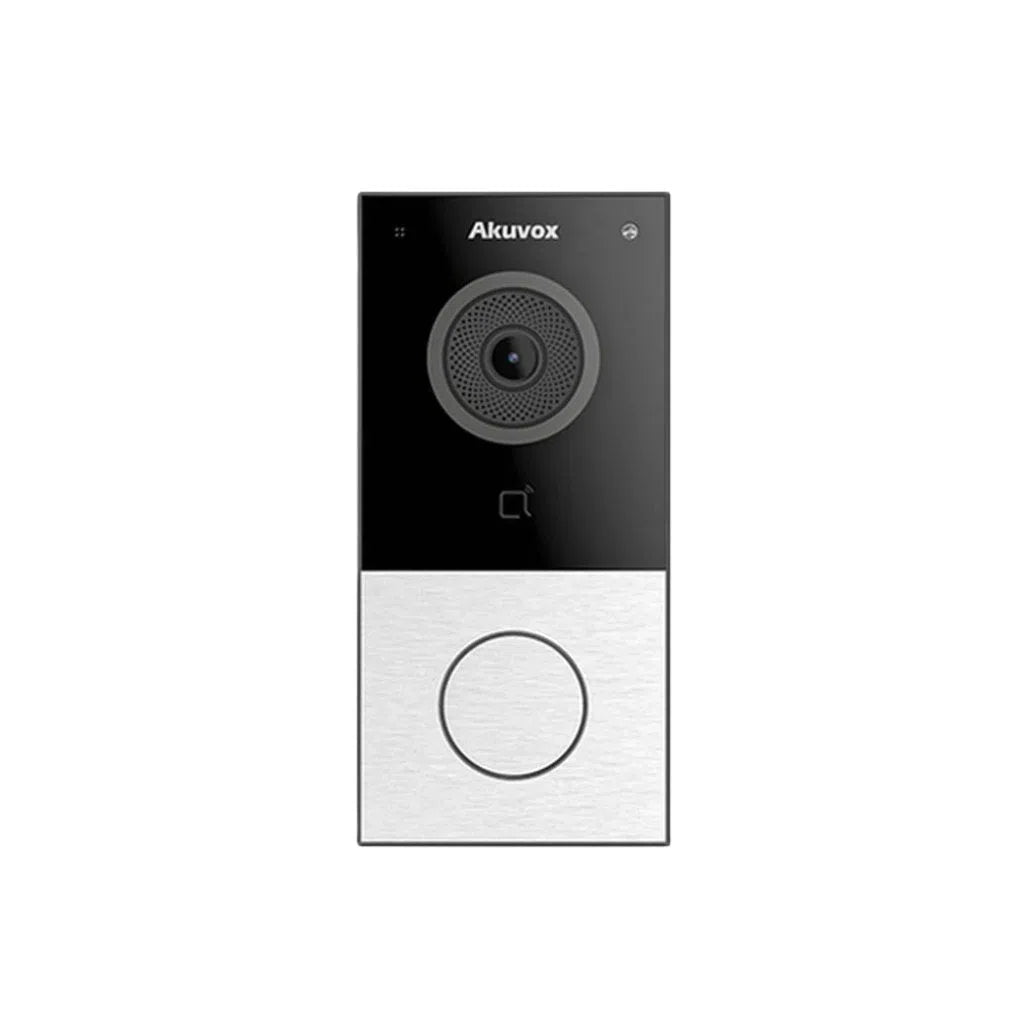
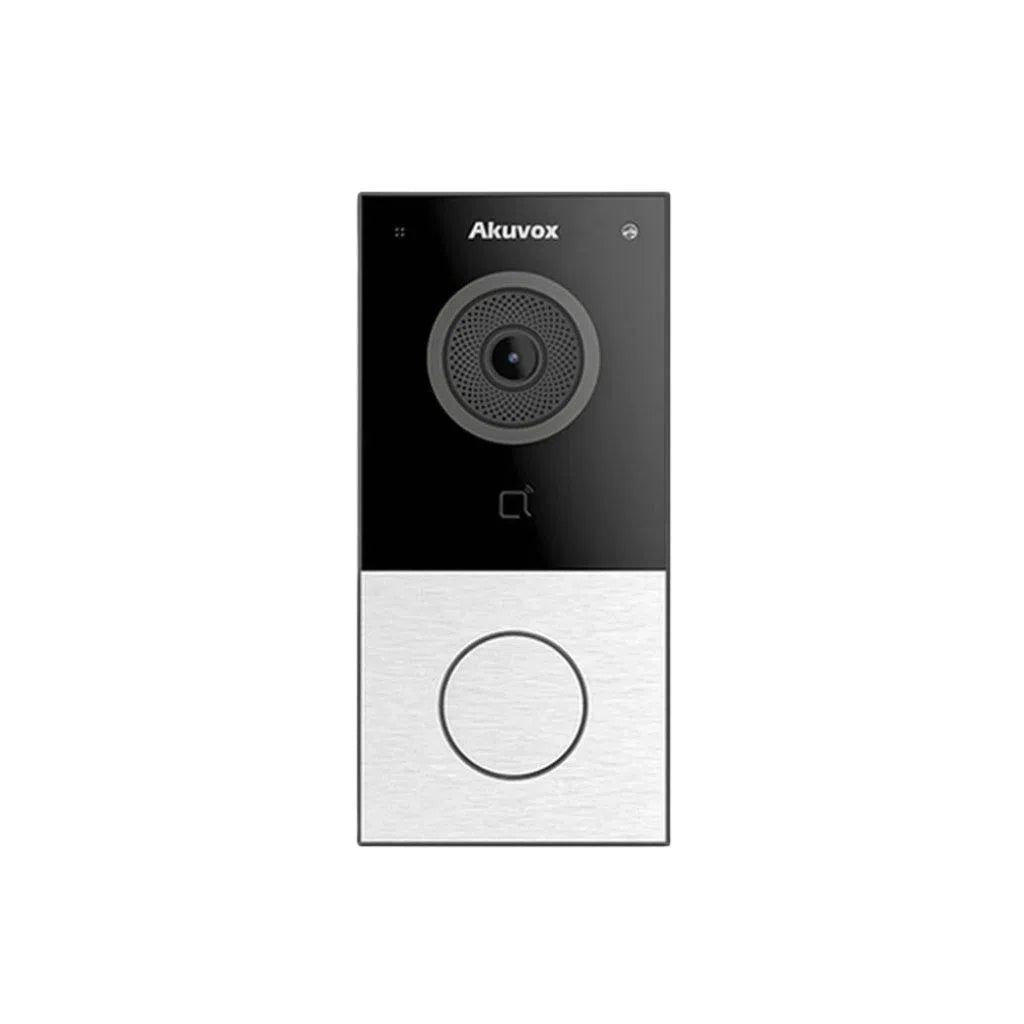
• Compatible with video intercom systems (Akuvox, Hikvision DS-KV series) — link your doorbell intercom to the same NVR and app
• Alarm system trigger — camera motion detection can trigger an external alarm siren or send push notifications via the app
• Local processing — AI features (person/vehicle detection, line crossing, face recognition) run on the NVR without cloud dependency
Wireless Systems — App-First Integration
• Cloud-based push notifications with event clip previews
• Two-way audio on supported models
• Google Home and Amazon Alexa compatibility on select models
• Remote arm/disarm — some wireless systems support virtual zones that can be managed from the app
|
📱 TSE Recommendation: For true smart home security system integration — including intercom, alarm, CCTV, and access control on one platform — a wired PoE Hikvision or Dahua system offers the deepest and most reliable integration available for Australian homes in 2026. |
Security Camera Installation: What to Expect in Melbourne and Sydney
Wired PoE Installation
Professional installation of a wired PoE system typically involves:
• Site assessment — identifying optimal camera placement for each entry point
• Cable routing — running Cat6 cables through roof cavity, wall cavities, or external conduit
• NVR placement — usually near your modem/router or in a secure cupboard
• Camera mounting and angle adjustment
• App setup and remote viewing configuration
Typical installation time for a 4–6 camera system: 4–8 hours. Cost varies by property — contact TSE for a quote in Melbourne or Sydney.
Wireless Installation
Wireless cameras can be self-installed in most cases:
• Mount the camera using the included bracket and hardware
• Connect to power (mains outlet, or battery/solar if applicable)
• Download the app and follow the on-screen Wi-Fi pairing process
• Adjust angles and test coverage
Typical self-install time: 30–60 minutes per camera. No cable runs required.
|
🔧 Professional install tip: Even for wireless systems, having a professional assess camera placement before you buy can save significant time and money. Poor placement is the most common reason security cameras fail to capture useful footage when incidents occur. TSE offers free advice at our Melbourne and Sydney showrooms. |

Which System Is Right for You? — Quick Recommendation Guide
|
Your Situation |
Recommended System |
|
Single-storey house with roof cavity |
Wired PoE — easiest cable run, most reliable long-term result |
|
2-storey house (brick/concrete construction) |
Wired PoE with professional install — best quality and reliability |
|
Apartment (renting, no drilling allowed) |
Wireless Wi-Fi cameras — battery or solar for zero permanent fixture |
|
Apartment (owner, minimal cabling) |
Wireless or hybrid — 1–2 wired cameras at entry points + wireless for balcony |
|
Large property / rural / no NBN |
4G/LTE wireless cameras or wired NVR with 4G router for remote access |
|
Rental investment property (remote monitoring) |
Wi-Fi cameras with cloud storage — manage remotely, no on-site NVR to maintain |
|
Home with existing alarm system |
Wired PoE — integrates with Hikvision/Dahua alarm panels and Akuvox intercoms |
|
Smart home (Google Home / Alexa user) |
Wireless (select models) or wired via Hik-Connect — both support basic smart home voice commands |
|
Budget-conscious first install |
HiLook PoE kit (4 cameras + NVR) — best value, no ongoing fees, professional quality |
Frequently Asked Questions
|
Are wireless security cameras reliable enough for home use in Australia? |
|
Yes — for most residential applications, modern Wi-Fi cameras from Hikvision and Dahua are reliable in homes with a stable NBN connection. Their reliability decreases in large properties with thick walls, multiple floors, or weak Wi-Fi signal. For these situations, wired PoE cameras are strongly recommended. |
|
Do wired security cameras need internet to record? |
|
No. Wired PoE cameras connected to an NVR record locally to a hard drive regardless of whether you have an internet connection. You only need internet to access remote viewing via the app (Hik-Connect or DMSS). This is a major advantage over Wi-Fi cameras, which typically require internet to transmit footage. |
|
Can wireless security cameras be jammed or hacked? |
|
Wi-Fi cameras are theoretically vulnerable to signal jamming and network intrusion if security practices are not followed. To minimise risk: use WPA3 Wi-Fi encryption, change all default passwords, keep camera firmware updated, and use a separate IoT network for your cameras. Wired PoE cameras cannot be signal-jammed and are harder to intercept. |
|
What is a PoE security camera? |
|
PoE stands for Power over Ethernet. A PoE camera receives both power and data through a single Ethernet (Cat5e or Cat6) cable connected to a PoE NVR or PoE switch. This eliminates the need for a separate power outlet at each camera location and is the current standard for wired IP security camera systems in Australia. |
|
Which is better — Hikvision or Dahua wired cameras? |
|
Both are world-class manufacturers and TSE's top recommendations. Hikvision has a slight edge in AI feature depth (AcuSense) and ecosystem maturity (Hik-Connect app). Dahua's WizMind and WizSense lines are strong competitors with excellent image quality. HiLook (Hikvision's value brand) offers the best price-to-performance ratio for budget-conscious buyers. |
|
How much does a wired security camera system cost in Australia? |
|
Entry-level 4-camera PoE kits with NVR start from around $400–$600 for equipment. Mid-range 8-camera 4K systems run $800–$1,500. Professional installation adds $400–$1,000 depending on property size and cable complexity. Wireless systems cost less to install but may incur ongoing cloud storage fees. Visit TSE's Melbourne or Sydney showroom for current pricing. |
Talk to TSE Before You Decide
The right system depends on your property, not a generic recommendation. At Total Security Equipment, we stock the full range of Hikvision, HiLook, Dahua, and Akuvox products — wired and wireless — and can help you design a system that actually fits your home, budget, and security goals.
Visit our showrooms in Melbourne and Sydney, or browse our range online.
📍 Melbourne: 26 Davies Ave, Sunshine North VIC 3020
📍 Sydney: 38 Lisbon St., Fairfield East, NSW 2165