Your 2026 Guide to Camera Count, Placement & Smart Home Security in Australia
|
⏱ Reading time: 8 minutes | Updated: 2026 | Published by Total Security Equipment — Melbourne & Sydney |
This is one of the most common questions we get at Total Security Equipment: "How many security cameras do I actually need?"
The honest answer is: it depends. It depends on your home's size, layout, blind spots, and what you want to protect. But don't worry — by the end of this guide, you'll know exactly how many cameras your home needs, where to put them, and which systems are worth your money in 2026.
Whether you're in a Melbourne apartment, a family home in Sydney's suburbs, or a large property with a pool and separate garage — this guide has you covered.
The Short Answer: How Many Cameras Do Most Homes Need?
As a general rule:
• Apartments and small units: 2–4 cameras
• Small to medium single-storey homes: 4–6 cameras
• Large or 2-storey homes: 6–8 cameras
• Corner blocks, large properties with outbuildings: 8–10+ cameras
But camera count alone won't protect you. Placement is everything. A 4-camera system in the right spots will outperform a 10-camera system with poor positioning every time.
Camera Count by Home Type — Quick Reference Table
Use this table to find the starting point for your home:
|
Home Type |
Min. Cameras |
Recommended |
Key Coverage Areas |
|
Apartment / Unit |
2–3 |
3–4 |
Front door, balcony, parking |
|
Small single-storey (2 bed) |
3–4 |
4 |
Front, back, driveway, side gate |
|
Medium home (3–4 bed, 1 storey) |
4–6 |
5–6 |
All entry points + driveway |
|
Large home (4+ bed, 2 storey) |
6–8 |
8 |
All entry points + stairwell + yard |
|
Corner block / large yard |
6–10 |
8–10 |
All angles, full perimeter |
|
Home with pool or shed |
+1–2 extra |
6–8 |
Pool area, shed entry |
Note: These are minimum recommendations. Adding extra cameras to cover blind spots or secondary areas (like a home office or granny flat) is always a good idea.
Where Should Security Cameras Be Placed?
The ideal number of cameras is determined by the number of entry points and blind spots your property has. Here are the locations you should prioritise, in order:
Priority 1: All Entry Points (Non-Negotiable)
• Front door — the most common point of entry for intruders
• Back door or rear sliding door
• Side gates or alleyways
• Garage door or carport
Priority 2: High-Value or High-Risk Areas
• Driveway — vehicle theft and package theft are major issues across Australian suburbs
• Street-facing windows on the ground floor
• Internal stairwell (2-storey homes)
Priority 3: Secondary Coverage
• Pool area or outdoor entertaining space
• Shed, workshop, or separate structure
• Living area (internal camera for confirmation footage)
• Home office or server room if you work from home
CCTV Placement Map — Camera-by-Camera Breakdown
Use this table to build your camera list for your property:
|
Camera Location |
Priority |
Recommended Camera Type |
Brand Option |
|
Front door / entry |
🔴 Essential |
Doorbell camera or fixed dome |
Hikvision DS-2CD2143G2 |
|
Driveway / garage |
🔴 Essential |
Wide-angle dome or bullet |
HiLook IPC-B120H |
|
Back door / rear entry |
🔴 Essential |
Fixed dome with night vision |
Dahua IPC-HDW2849H |
|
Side gates |
🟡 High |
Varifocal or bullet camera |
Hikvision ColorVu series |
|
Living room (internal) |
🟡 High |
Indoor dome, 180° view |
HiLook IPC-T140 |
|
Garage interior |
🟢 Optional |
Compact indoor dome |
Dahua IPC-HDW1439S |
|
Pool area / shed |
🟢 Optional |
Outdoor vandal-proof dome |
Hikvision AcuSense |
|
Stairwell (2-storey) |
🟡 High |
Wide-angle indoor dome |
HiLook IPC-D140H |
2-Storey Homes: Special Considerations
If your home has two floors, the number of cameras you need increases. Here's why:
• Upper-floor windows become accessible via fences, gates, or neighbouring structures
• Stairwells and internal hallways need coverage for confirmation footage
• The driveway needs to be covered from an elevated angle for better plate recognition
• Back-of-property coverage becomes more complex with decks or elevated entry points
|
💡 Tip for 2-storey homes: Mount cameras under eaves on the second floor to cover both the ground-level perimeter and the upper area simultaneously. This can reduce camera count while increasing coverage area. |
For a typical 2-storey home in Melbourne (4 bedrooms, double garage, rear yard), we recommend starting with 6–8 cameras as a baseline.
Do You Need Indoor Cameras?
Indoor cameras are optional for most Australian households, but there are situations where they make sense:
• You have a cleaner, babysitter, or tradesperson entering the property
• You have elderly family members at home alone
• You want to verify a break-in has occurred (not just motion alerts from outdoor cams)
• You run a home-based business with foot traffic
If you do install indoor cameras, position them to capture common areas only — living room, hallway, garage interior. Avoid bedrooms and bathrooms for obvious privacy and legal reasons.
Smart Home Security System Integration
Modern CCTV systems in 2026 go well beyond recording. The best systems integrate directly with your smart home ecosystem:
• Mobile app notifications — get real-time alerts on your phone when motion is detected
• AI-powered detection — Hikvision AcuSense and Dahua WizMind can distinguish between people, vehicles, and animals to reduce false alerts
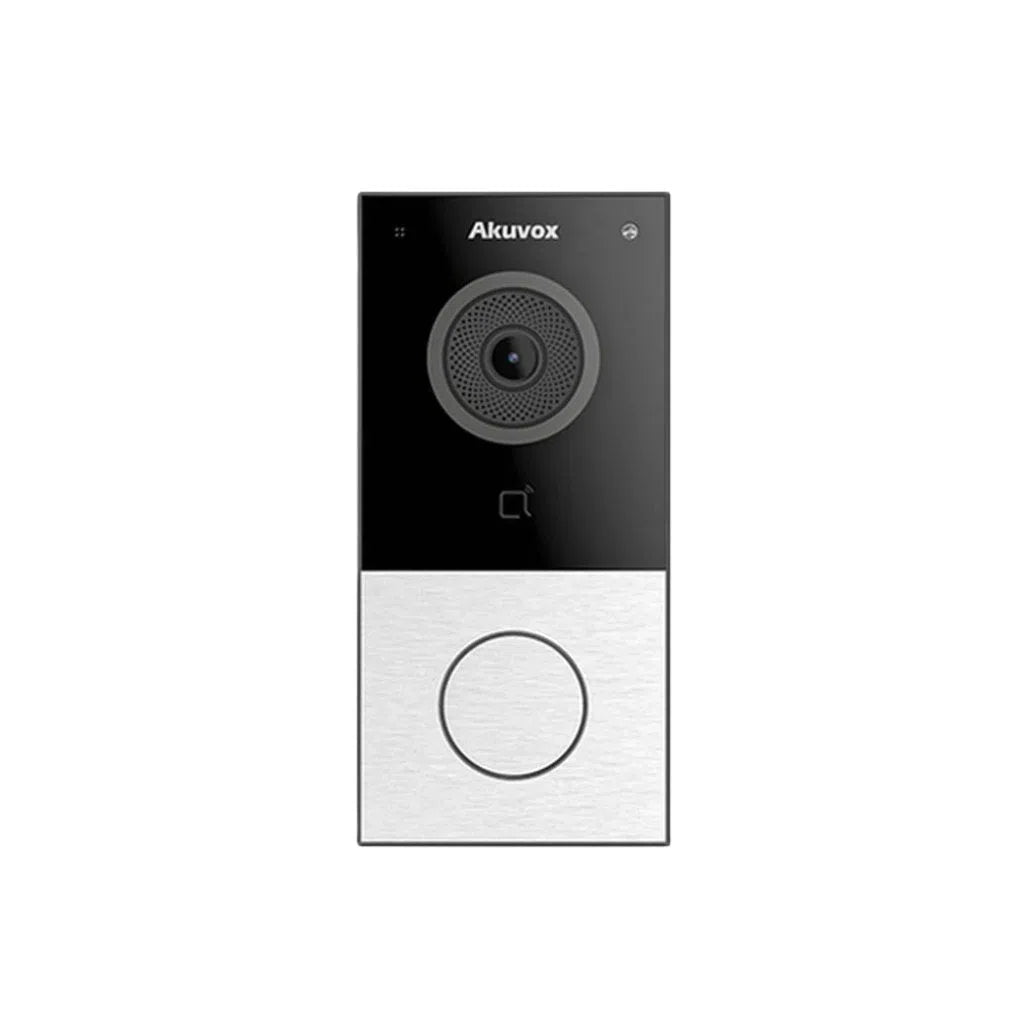
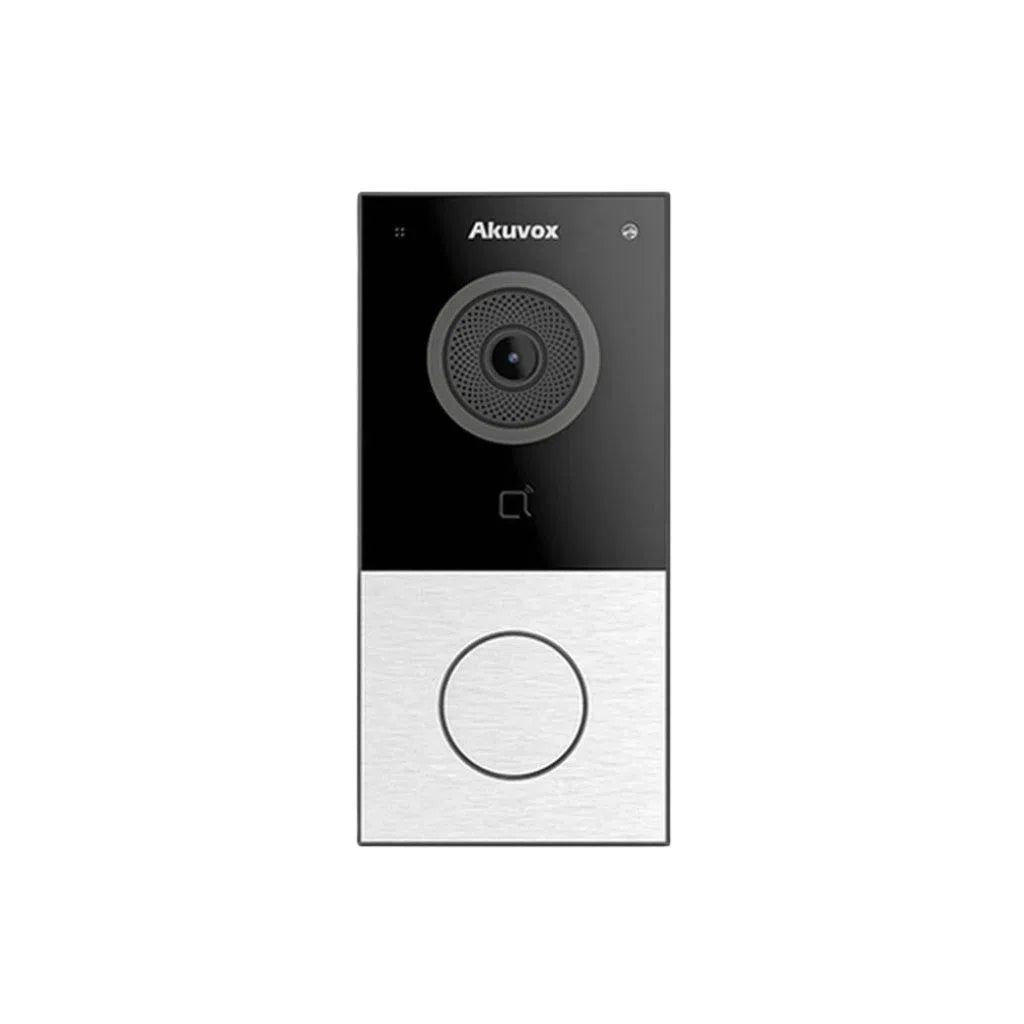
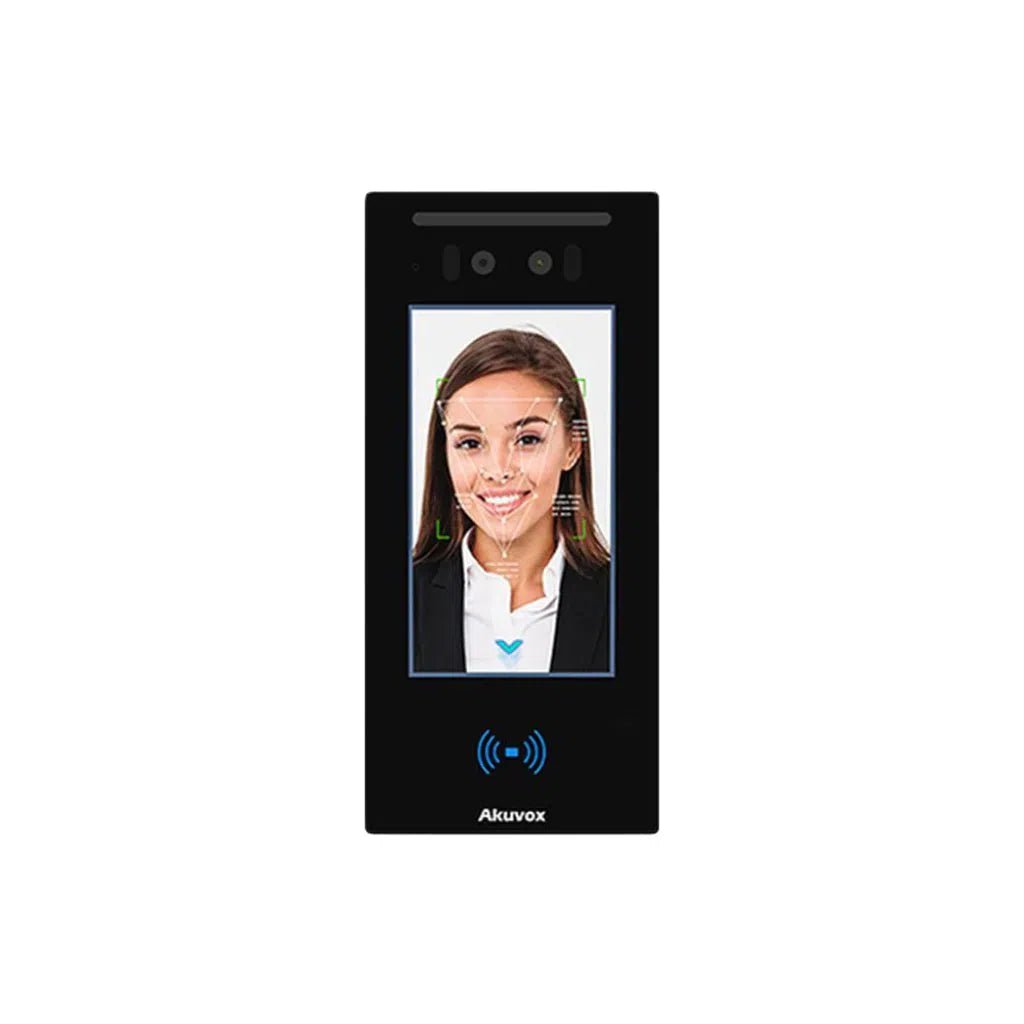
• Video intercom integration — link your Akuvox intercom or video door phone to your CCTV system so you see who's at the door on the same app
• Alarm system trigger — cameras detect motion, alarm activates, you receive a notification — all from one platform
• Remote monitoring — view live footage from anywhere in Australia or overseas
|
📱 TSE Tip: Hikvision's Hik-Connect app and Dahua's DMSS app both allow multi-camera remote monitoring on iPhone and Android at no monthly cost. No subscriptions, no ongoing fees. |
This integration is especially important for homeowners who travel frequently or manage an investment property.
Night Vision: Why It Matters More Than Camera Count
One of the most overlooked factors when choosing CCTV systems is night vision performance. The majority of break-ins in Melbourne and Sydney occur between 6pm and midnight — after dark.
Here's what to look for:
• Standard IR night vision — good for detecting movement up to 30m in total darkness. Footage is black and white.
• Full-colour night vision (Hikvision ColorVu / Dahua Full-Colour) — produces colour footage even in low light using a built-in light supplement. Significantly better for identifying clothing, vehicle colour, and faces.
• Smart dual-light cameras — combine IR with visible light supplement, triggered only when motion is detected. Best of both worlds.
|
🌙 Recommendation: For driveways, front doors, and any high-priority external camera, invest in full-colour or dual-light cameras. For internal or low-risk areas, standard IR is fine. |
Resolution: How Many Megapixels Do You Actually Need?
More megapixels means more detail — but there are diminishing returns. Here's the practical guide for Australian home use:
• Minimum acceptable for 2026. Fine for close-range indoor cameras.2MP (1080p):
• Good all-rounder. Clear facial recognition up to ~5m.4MP:
• Best for driveways and street-facing cameras where you need licence plate recognition or wide coverage.8MP (4K):
• Specialist use — large properties, retail, commercial sites.12MP+:
Our recommendation: 4MP for most home applications, 8MP for driveway and front entry. This balances storage costs, network bandwidth, and image quality.
Should Your Security System Include a Video Intercom?
An intercom system complements CCTV in a way that cameras alone can't replace. While a CCTV camera records who's at the door, a video intercom lets you communicate with them — in real time, from anywhere on the planet.
Modern video intercom systems (like the Akuvox range available at TSE) offer:
• Smartphone answer — accept or reject visitors from your phone whether you're home or not
• Remote door unlock — grant access to a tradesperson or family member without being physically present
• SIP protocol compatibility — enterprise-grade reliability for residential use
• Integration with existing CCTV and alarm systems
|
🔔 Products: Akuvox E12W, Akuvox R29, Hikvision DS-KV6113 video door station. |
For Melbourne and Sydney homes, a video intercom paired with a CCTV system is now considered best practice — not a luxury upgrade.
CCTV vs Alarm System: Do You Need Both?
Short answer: yes, for most Australian homes in 2026, you should have both.
Here's how they work together:
• CCTV cameras deter and record — they create a visual record and often prevent break-ins by making your home look monitored
• An alarm system alerts — when a sensor is triggered (door, window, motion), it activates a siren and sends a notification
• Together, they create a layered security system — cameras confirm what the alarm detected, which is critical for police response and insurance claims
|
⚠️ Note: An alarm system without CCTV means you know something happened but don't know what. A CCTV system without an alarm means you have footage but no real-time response. Both together is the right approach. |
TSE stocks a range of intruder alarm system suppliers and components compatible with Hikvision, Dahua, and Bosch security ecosystems.
Professional Installation vs DIY: Which Is Right for You?
DIY CCTV installation is possible for tech-savvy homeowners — especially with modern PoE (Power over Ethernet) systems that reduce cabling complexity. However, there are trade-offs:
|
DIY Installation |
Professional Installation |
|
Lower upfront cost |
Higher initial investment |
|
Flexible timing |
Scheduled appointment required |
|
You manage your own config |
Setup and testing handled for you |
|
Risk of incorrect placement |
Optimal camera angles guaranteed |
|
No labour warranty |
Installation warranty included |
|
Good for apartments/small homes |
Recommended for large homes and commercial |
For homeowners in Melbourne and Sydney looking for security camera installation near them, TSE can connect you with trusted local installers through our trade network.
Frequently Asked Questions
|
How many cameras do I need for a 2 storey house? |
|
For a typical 2-storey home in Australia, we recommend 6–8 cameras as a starting point. This covers all ground-floor entry points, a stairwell camera, elevated driveway coverage, and rear yard. Large properties or homes with extra outbuildings may need 8–10. |
|
What is the ideal number of home security cameras? |
|
There is no single "ideal" number — it depends entirely on your property's layout and entry points. However, industry best practice is to cover every external entry point plus a driveway camera as a minimum. For most Australian homes, this means 4–8 cameras. |
|
Can I mix Hikvision, Dahua, and HiLook cameras on the same system? |
|
HiLook cameras are manufactured by Hikvision and are fully compatible with Hikvision NVRs and the Hik-Connect app. Dahua cameras use their own ecosystem (DMSS/NVR). Mixing brands is possible with ONVIF-compatible recorders but may limit advanced AI features. For best results, keep cameras within the same ecosystem. |
|
Do I need planning permission to install CCTV in Australia? |
|
For residential properties, CCTV cameras do not require council approval in most Australian states. However, cameras must not be positioned to monitor a neighbour's private areas without consent. If your camera captures street or shared spaces, this is generally permitted. |
|
How much does a home CCTV system cost in Australia? |
|
Entry-level 4-camera systems start from around $300–$500 for DIY. Mid-range 6–8 camera PoE systems with NVR typically cost $600–$1,500 for equipment. Professional installation adds $300–$800 depending on property size. Prices vary by brand and resolution — contact TSE for a current quote. |
|
What's the difference between an NVR and DVR? |
|
DVR (Digital Video Recorder) works with analogue cameras. NVR (Network Video Recorder) works with IP cameras over ethernet or Wi-Fi. For any new system installed in 2026, NVR with IP cameras is the standard — it offers better resolution, easier remote access, and greater scalability. |
Ready to Secure Your Home? TSE Can Help.
Total Security Equipment supplies top-rated home security cameras, CCTV systems, video intercoms, and alarm systems to homeowners and trade installers across Melbourne and Sydney.
We stock industry-leading brands including Hikvision, HiLook, Dahua, Akuvox, and Bosch — with expert advice available at our showrooms in Sunshine North (Melbourne) and Fairfield East (Sydney).
📍 Melbourne showroom: 26 Davies Ave, Sunshine North VIC 3020
📍 Sydney showroom: 38 Lisbon St, Fairfield East, NSW 2165