When a Melbourne apartment complex or commercial building needs to replace an ageing buzzer system with a modern Dahua video intercom system, the hardest part isn't the wiring — it's the planning. A single villa door station is a half-day job. A 40-unit Dahua intercom installation is a logistics project, and if you get the network design wrong on unit one, you'll be fixing it on unit forty at 6pm on a Friday.
At Total Security Equipment, this is exactly the kind of commercial intercom system rollout we handle every month for body corporates, developers and property managers across Melbourne. Here's a behind-the-scenes look at how a project like this actually comes together, from the workshop bench to the final handover.
Why Bigger Buildings Are Moving to Dahua Video Intercom Systems
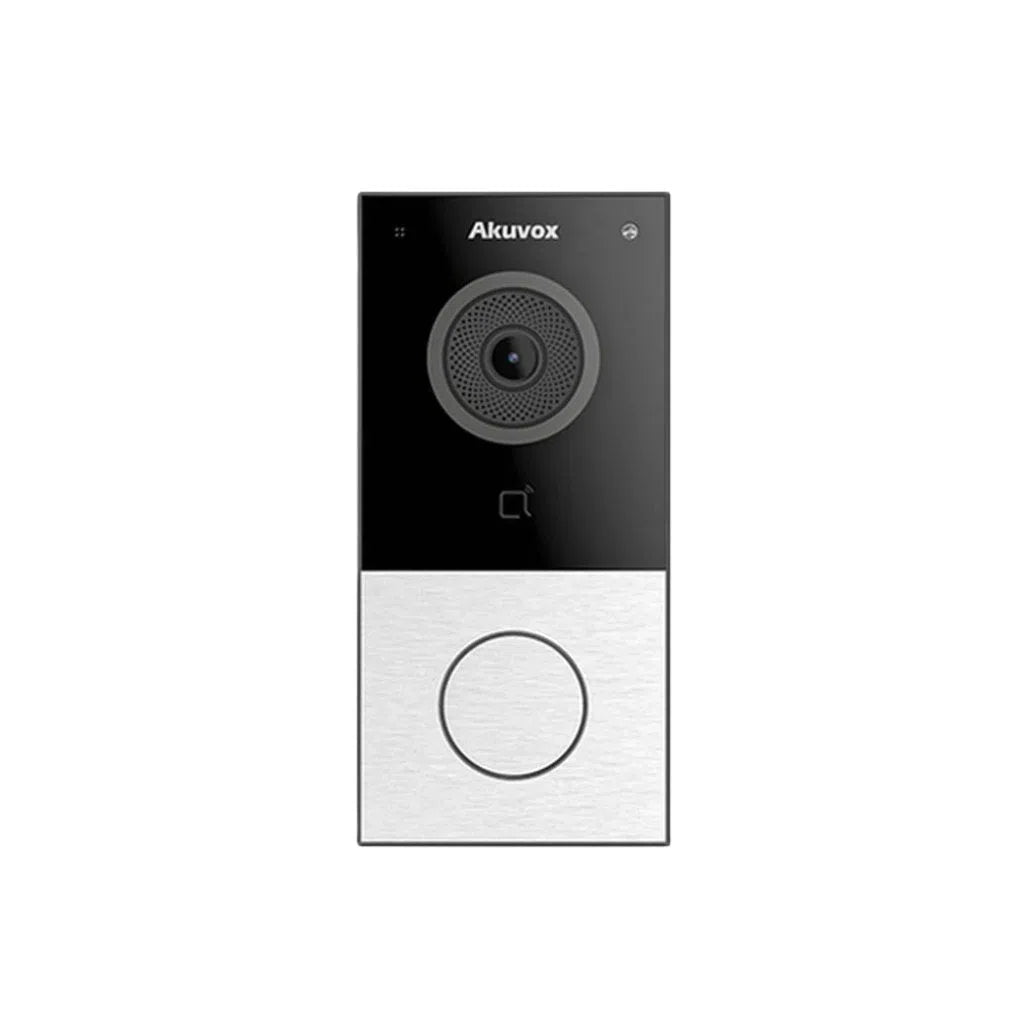
Apartment blocks, townhouse complexes and commercial tenancies are steadily replacing analogue buzzer panels with IP-based video intercom systems. A Dahua VTO door station paired with VTH indoor monitors gives residents:
- Live video and two-way audio before they open the door, not just a crackly voice
- Remote unlock from a smartphone app, useful for deliveries, tradespeople and visitors
- Integration with lift control, access cards and fobs for multi-tenant buildings
- A single PoE network backbone instead of a tangle of proprietary buzzer wiring
For a body corporate or facilities manager, the appeal is simple: one dahua intercom system that scales from a 6-unit townhouse development to a 200-door high-rise, all managed from the same platform.
The Challenge of a 40-Door Rollout
Forty is the number where a project stops being "install a few intercoms" and starts being an actual security system installation project with real project-management overhead:
- 40 indoor monitors and door stations need to be unboxed, checked for stock damage, and matched against the site's unit numbering before a single cable is pulled.
- Every unit needs a unique IP address and extension number on the building's intercom network — get the numbering scheme wrong and residents end up calling the wrong apartment.
- PoE switch capacity has to be calculated up front. Forty Dahua VTH monitors and VTO stations draw real power; undersized switches or daisy-chained PoE injectors are one of the most common causes of intercoms "randomly" dropping offline after installation.
- On-site configuration time is expensive. If every unit is configured individually once it's mounted on the wall, a 40-door job blows out from two days to a week.
Step 1: Plan the Network Before Any Cable Goes in a Wall
Before we touch the building, we map out the intercom network on paper (and in the config software): how many door stations, how many indoor monitors, which PoE switches will feed which riser, and what the IP addressing scheme looks like floor by floor. This is also where we confirm compatibility — Dahua's intercom protocol has changed across generations, so we double-check that switches, NVRs and monitors on the job are all matched to the same generation of hardware before ordering.
Step 2: Bench Pre-Configuration — the Part Most Installers Skip
This is the stage in the photo above: every one of the 40 units, still in its box, gets patched into a PoE switch on a bench back at our Sunshine North workshop and connected to a laptop running Dahua's configuration tool. Rather than configuring devices one at a time on a ladder in a stairwell, we:
- Assign each unit's IP address, extension number and unit label while it's sitting in front of us, cross-checked against the building's unit list
- Push the same time zone, ring group and call-forwarding settings across all 40 devices in one pass
- Test video, audio and unlock relay function on every single unit before it ever leaves the building
Doing this bulk-configuration step on the bench, rather than unit-by-unit on site, is what turns a 40-door dahua intercom installation from a multi-week job into a tightly scheduled two-to-three-day install.
Step 3: Label, Box and Match to the Install Schedule
Once a unit is configured and tested, it's labelled with its final apartment number and re-boxed in installation order. This sounds like a small detail, but on a 40-unit site it's the difference between an installer working through a floor in twenty minutes per door versus hunting through unlabelled boxes for the right unit.
Step 4: On-Site Installation and Commissioning
With the network plan and pre-configured hardware ready, on-site work is mostly mechanical: mounting brackets, pulling and terminating cable, fitting door stations and monitors, and connecting back to the pre-programmed PoE switches. Because every device was already tested on the bench, on-site commissioning is a quick verification pass rather than a full configuration session — call, unlock, and check video on each door, floor by floor.
Common Pitfalls in Large Intercom Rollouts
From experience, most problems on big video door phone projects trace back to one of these:
- Underestimating PoE switch load and power budget for the full device count
- Mixing intercom hardware generations that aren't fully compatible
- Configuring on-site instead of pre-provisioning, blowing out labour hours
- No master device list, leading to duplicate extensions or mismatched unit numbers
Planning around these upfront is what keeps a 40-door commercial intercom system installation on schedule and on budget.
Why Choose Total Security Equipment
We supply and install Dahua, Hikvision, HiLook and Bosch security systems — CCTV, alarms and video intercoms — for homes and commercial sites across Melbourne, and we run the bulk pre-configuration workflow above on every multi-unit apartment intercom system and cctv installation Melbourne project we take on. Whether it's 4 doors or 400, we plan the network, pre-configure the hardware, and commission on a schedule that doesn't blow out.
Got an upcoming intercom, CCTV or alarm project for a building, body corporate or commercial site?
📍 26 Davies Ave, Sunshine North, VIC 3020
📞 03 9079 5566
Call us or send a message for a free consultation and quote — we'll help you plan the network before you order a single unit.
Dahua Intercom FAQs
1. Which Dahua intercom is the best?
For most apartment or villa installs, the Dahua VTO2202F-P-S3 door station paired with a VTH2621G-P touch-screen monitor is the most popular combo — it balances price, video quality and app support. Larger commercial buildings usually step up to a multi-door VTO with PoE switching for scalability.
2. Is Dahua a good brand?
Yes — Dahua is one of the two largest CCTV and intercom manufacturers in the world (alongside Hikvision), widely used across Australian residential and commercial security installs for its reliability, video quality and price-to-feature ratio.
3. Is Dahua banned in Australia?
No blanket ban exists for private or commercial use in Australia. Some government departments have restricted Dahua/Hikvision devices on government networks following security reviews, but Dahua products remain legal and widely sold for residential, strata and commercial installations.
4. How much does a Dahua intercom system cost?
A single villa door station and indoor monitor kit typically starts from a few hundred dollars in hardware, while a full apartment-building rollout (multiple doors, PoE switches, cabling and labour) is quoted per project — get a free quote from your installer based on door count and building layout.
5. What's the difference between a Dahua VTO and a VTH?
VTO stands for the outdoor door station (the unit visitors use to call in), while VTH is the indoor monitor residents use to answer, view video and unlock the door. A working system needs at least one of each.
6. Can a Dahua intercom work over WiFi, or does it need wired network cabling?
Most commercial and apartment-grade Dahua intercoms (the VTO/VTH IP series) run over wired Ethernet with PoE for reliability, which is why network cabling is planned before install. Some entry-level villa kits offer WiFi models, but wired is recommended for multi-unit buildings.
7. Can I control a Dahua intercom from my phone?
Yes — most Dahua IP intercoms support Dahua's mobile app, letting residents see who's at the door, talk, and remotely unlock from anywhere, not just from the indoor monitor.
8. What's the difference between 2-wire, 4-wire and IP Dahua intercom systems?
2-wire and 4-wire are older analog systems using dedicated cabling; IP (network) intercoms run over standard Ethernet/PoE and integrate with CCTV, access control and apps — IP is now the standard for new commercial and apartment installs.
9. How many units can one Dahua intercom system support?
Dahua's IP intercom platform scales from a single villa door to large multi-dwelling buildings (100+ doors) using PoE switches and a management platform — network planning (IP addressing, switch capacity) is key for larger rollouts.
10. Do I need a technician to install and configure a Dahua intercom?
For a single villa unit, a competent DIY installer can manage it, but for multi-unit or commercial buildings, professional installation is strongly recommended — correct network setup, PoE power budgeting and per-unit configuration are easy to get wrong and hard to fix once residents move in. Call Total Security Equipment on 03 9079 5566 for a free quote.
Additional Information
Melbourne HQ
26 Davies Ave., Sunshine North, VIC 3020
03 9079 5566
Sydney Branch
38 Lisbon St., Fairfield East, NSW 2165
02 8722 0348
Ordering & Support
- Australia-wide prompt shipping
- 100% genuine Dahua official stock with full local warranty
- Matching Dahua NVRs, junction boxes & brackets in stock
- Trade accounts and installer discounts available
- Professional technical guidance on camera positioning & network design
Need expert assistance choosing the right Dahua TiOC 180° camera or mounting hardware for your site? Contact our Melbourne team on 03 9079 5566 or Sydney on 02 8722 0348 for technical advice.