Before an Akuvox intercom ever gets mounted on a wall, it goes through a setup process on our bench — unboxed, wired into a network switch, and configured while it's still sitting on the table. Here's what that process actually looks like, and what's involved in getting an Akuvox intercom kit ready for a Melbourne home or small commercial site.
What's in an Akuvox Intercom Kit
A typical Akuvox intercom kit for a home or small commercial site includes:
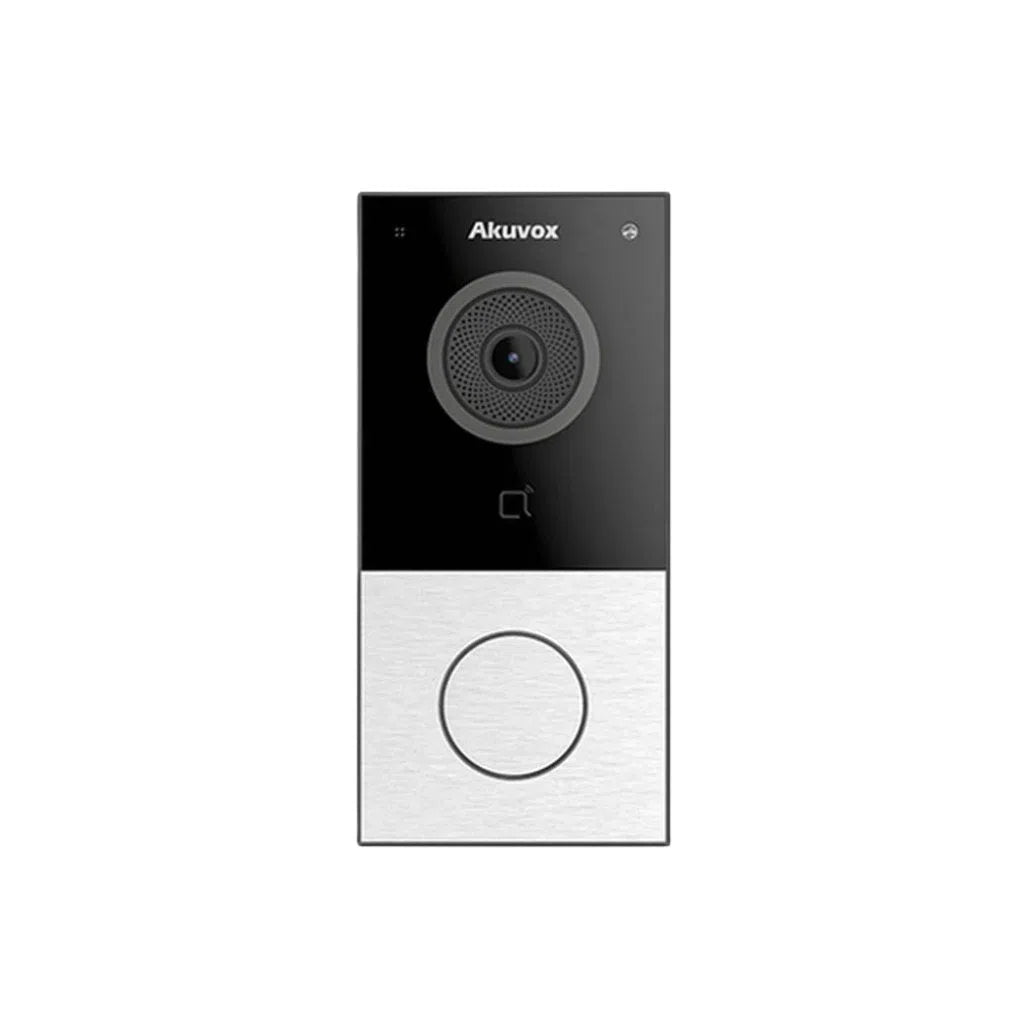
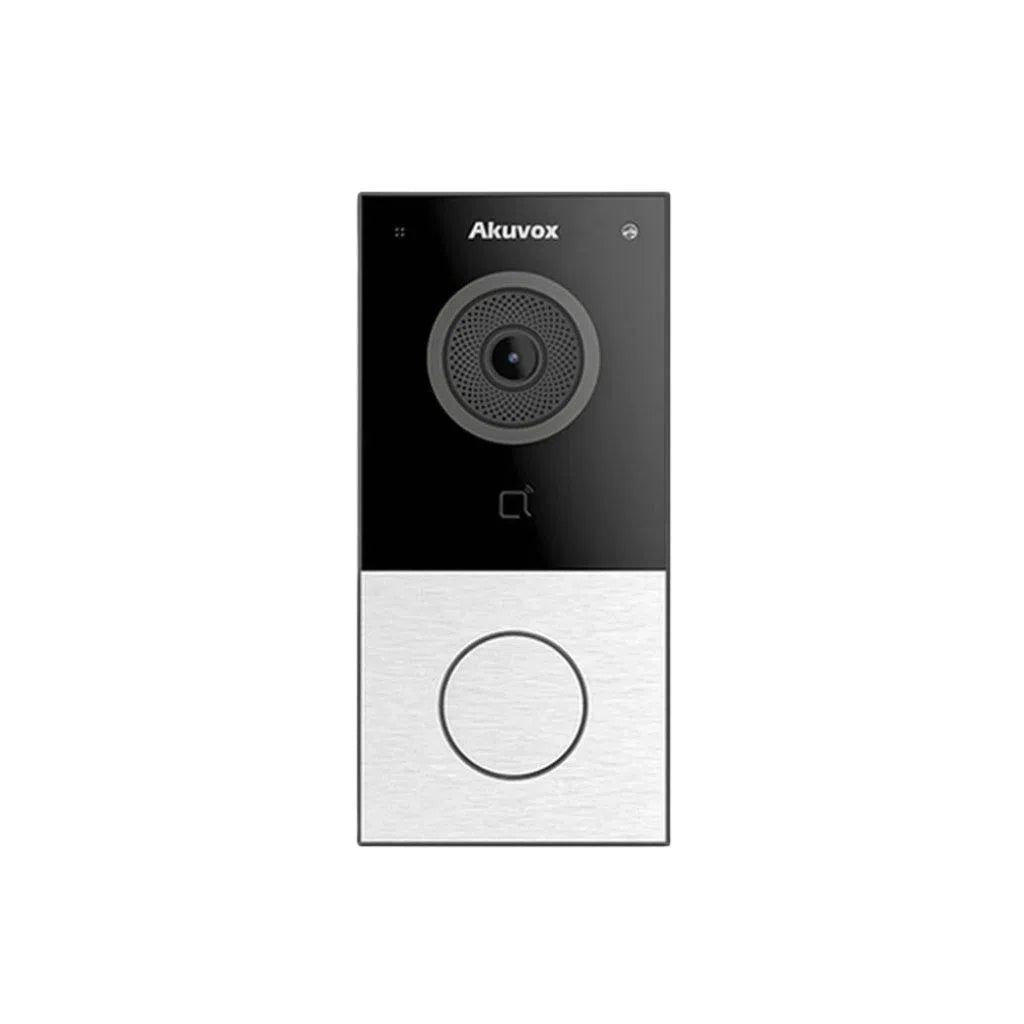
- An outdoor door station with a camera, call button and (on award-winning models like the Akuvox A02) a sleek single-button, vandal-resistant design
- One or more indoor touch-screen monitors, so multiple rooms (or multiple units in a small building) can answer the door
- A PoE network switch to power and connect every device over standard Ethernet cabling
- Mounting brackets and rain covers suited to the door station's exact model (surface or flush-mount, depending on the wall)
Step 1: Unbox and Inspect Every Unit
Every door station and indoor monitor gets unboxed and checked for shipping damage before it's wired in. This is also when we confirm the model and quantity against the job — for a job with several indoor monitors, it's easy to end up one unit short if this step gets skipped.
Step 2: Connect Everything to a PoE Network Switch
Akuvox's intercom range runs on standard IP networking, so every door station and indoor monitor patches into a PoE switch with a single Ethernet cable — one cable for both power and data, no separate power adapters cluttering the install. Running this on the bench first means every unit powers up and shows its boot screen before it's anywhere near a wall.
Step 3: Configure IP Addresses and Link Devices Together
With everything powered and networked, each device gets its own IP address, and the door station is linked to the indoor monitor(s) it should call. For a single-tenant home this might mean one door station ringing two or three monitors around the house; for a small multi-unit site, each door station gets matched to the correct unit's monitor so nobody answers the wrong door.
Step 4: Set Up the Akuvox App for Remote Access
Most Akuvox door stations support Akuvox's mobile app, so residents can see and speak to visitors, and unlock the door, from their phone — not just from the indoor monitor. We set this up and test it on the bench too, so the client's app is ready to go the moment the system is installed.
Step 5: Test Before Installation
Before anything leaves the workshop, we test video, audio and door-unlock function end-to-end on every unit. Catching a faulty screen or a misconfigured extension on the bench takes minutes; catching it after a unit is mounted and wired into a wall takes a lot longer.
Why Choose Akuvox for Your Intercom System
Akuvox is a well-established name in smart intercom systems, known for clean, modern hardware design (some models have picked up international design awards), open SIP-based networking that plays well with third-party access control and NVR systems, and a straightforward mobile app experience. That combination makes it a popular choice for homeowners and small commercial sites across Akuvox Australia installs who want video intercom without being locked into a single closed ecosystem.
Why Choose Total Security Equipment
We supply and install Akuvox, Dahua, Hikvision, HiLook and Bosch security systems — CCTV, alarms and video intercoms — for homes and commercial sites across Melbourne. Every Akuvox intercom we install is unboxed, networked, configured and tested on the bench first, so installation day is quick and nothing gets discovered for the first time on a ladder.
Thinking about an Akuvox intercom for your home or building?
Akuvox Intercom FAQs
1. What is Akuvox?
Akuvox is an intercom and access control manufacturer known for IP-based video door stations and indoor monitors, an SIP-standard networking approach, and a companion mobile app for remote answer and unlock — widely used in homes, apartments and small commercial sites.
2. Is Akuvox a good intercom brand?
Yes — Akuvox is a well-regarded name in smart intercom systems, recognised for clean hardware design (some models have won international design awards) and open, standards-based networking rather than a closed proprietary system.
3. What's included in an Akuvox intercom kit?
A typical kit includes an outdoor door station, one or more indoor touch-screen monitors, and the mounting hardware for the door station — plus a PoE network switch if one isn't already part of the site's network.
4. Does Akuvox have an app?
Yes — most Akuvox door stations support a companion mobile app, letting residents see and speak with visitors and remotely unlock the door from their phone, not just from the indoor monitor.
5. Does an Akuvox intercom need WiFi or internet to work?
The core door-to-monitor calling function runs over the local network (wired Ethernet/PoE), so it keeps working without an internet connection. Internet access is needed specifically for remote app access from outside the property.
6. What is the Akuvox A02?
The Akuvox A02 is a compact, single-button smart door station recognised for its award-winning industrial design — a popular choice where a discreet, modern-looking unit matters as much as the intercom functionality itself.
7. Can one Akuvox door station connect to multiple indoor monitors?
Yes — a single door station can ring multiple indoor monitors at once (useful for a house with monitors in more than one room), and larger sites can configure multiple door stations and monitors together on the same network.
8. Is Akuvox compatible with third-party access control?
Akuvox's IP intercoms are built on open, SIP-based networking, which generally makes them easier to integrate with third-party access control and NVR systems than closed proprietary intercom platforms — always worth confirming compatibility for your specific setup before purchasing.
9. How much does an Akuvox intercom system cost in Australia?
Pricing depends on the door station model, number of indoor monitors and mounting hardware required — get a free quote from your installer based on your specific site and unit count.
10. Do I need a technician to install an Akuvox intercom?
A single-monitor home setup can sometimes be a competent DIY job, but for multi-monitor homes or commercial sites, professional installation is recommended to get the network configuration, mounting and app setup right the first time. Call Total Security Equipment on 03 9079 5566 for a free quote.
Additional Information
Melbourne HQ
26 Davies Ave., Sunshine North, VIC 3020
03 9079 5566
Sydney Branch
38 Lisbon St., Fairfield East, NSW 2165
02 8722 0348
Ordering & Support
- Australia-wide prompt shipping
- 100% genuine official stock with full local warranty
- Matching mounting brackets & rain covers in stock
- Trade accounts and installer discounts available
- Professional technical guidance on network design & app setup
Need help choosing the right Akuvox door station or indoor monitor for your home or site? Contact our Melbourne team on 03 9079 5566 or Sydney on 02 8722 0348 for technical advice.