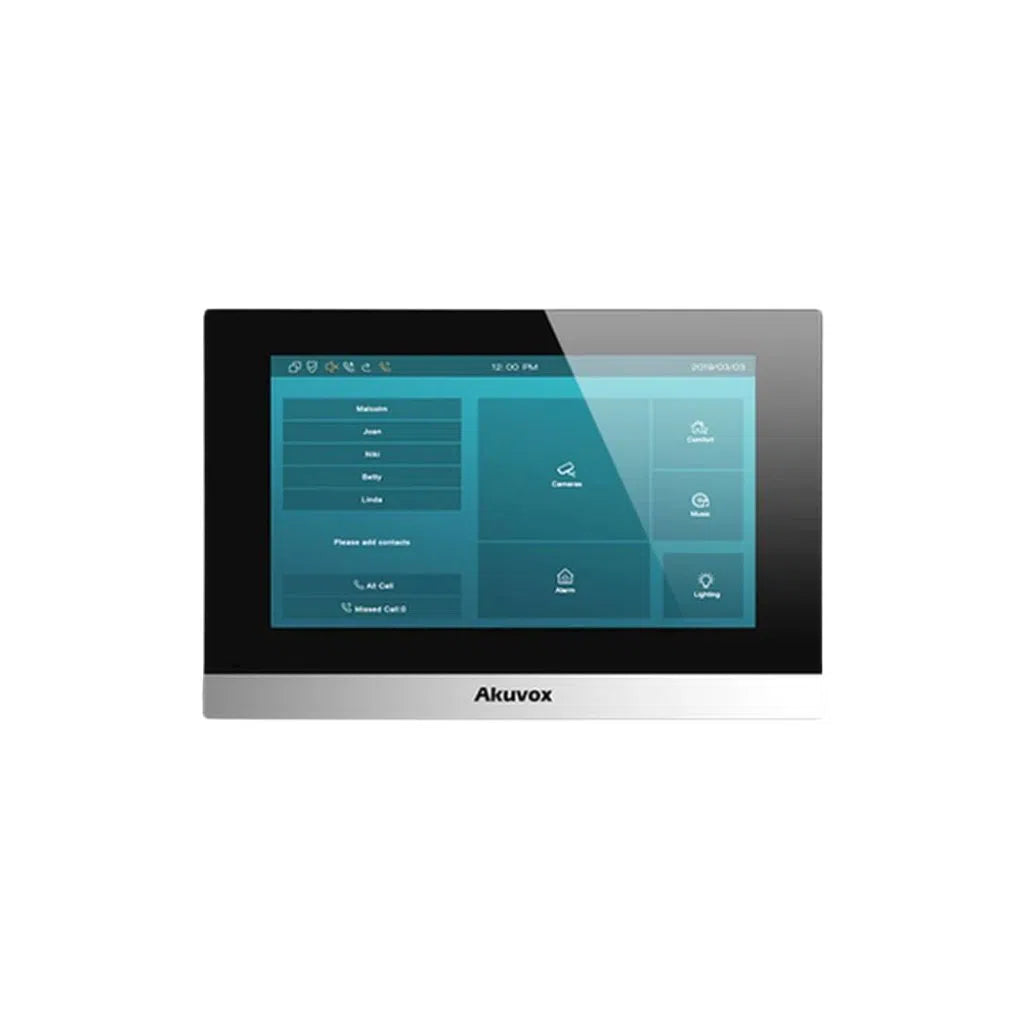


Akuvox Door Phone Australia: Features, Benefits & Installation Guide
Demand for smart entry security has grown fast across Australia, and the Akuvox door phone range has become a popular choice for homes, apartment buildings and small businesses wanting to see and speak to visitors before ever opening the door. This guide covers what these systems actually offer, walks through a proper installation, and explains where TSE fits in as a supplier of genuine Akuvox product.
Benefits of an Akuvox Door Phone
A Genuine First Line of Defence
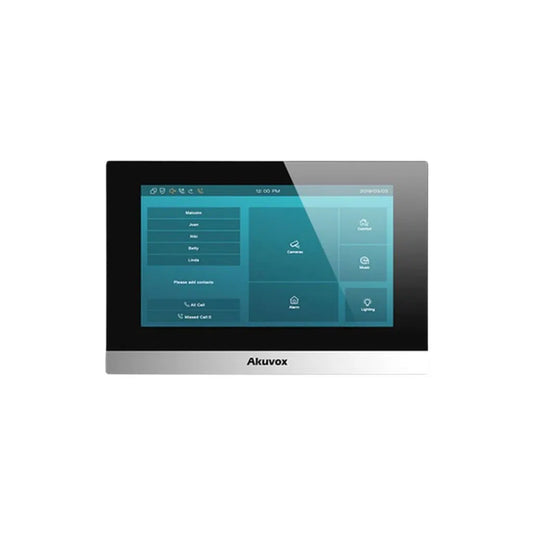
A video door phone lets you see and talk to whoever's at the door before deciding whether to open it, grant remote access, or simply ignore it — a meaningful step up from a basic doorbell. High-definition cameras capture clear footage of visitors, which is useful evidence if something does go wrong, and for multi-unit buildings, centralised management lets a building manager oversee several entry points from one system rather than juggling separate hardware per door.
Convenience for Busy Households and Businesses
Remote answering and remote access-granting mean you don't have to be standing at the door (or even on-site) to let someone in — handy for accepting a delivery, letting in a cleaner, or managing visitors at a business entrance. Many models support accessibility features like larger buttons and voice-guided prompts, worth considering specifically for elderly or less mobile residents in a household or aged-care-adjacent setting.
Integration With Smart Home and Access Control
Akuvox's SIP-based door phones are designed to integrate with broader smart home and access control setups — voice control and home automation platforms in a residential context, or an existing access control and building management system in a commercial one. If you're already running (or planning) a broader security or smart-building system, checking Akuvox's SIP/integration compatibility against your existing platform is worth doing before you commit to a specific model.
Installation Guide for Akuvox Door Phones
Pre-Installation Considerations
Check local council and building regulations before installing, and note that electrical work tied to a wired intercom installation commonly needs to be carried out by a licensed electrician in Australia — not a DIY job for the wiring side, even if the device mounting itself is straightforward. The right model also depends on the property type: a multi-unit apartment building generally needs stronger user-management and multi-tenant call-routing features, while a standalone house in a more remote or exposed location may need better weatherproofing and a reliable network connection more than advanced user management.
Step-by-Step Installation Process
- Site survey: assess visibility, accessibility, and how exposed the mounting location is to weather.
- Wiring: run power and network cabling through existing or new conduit, meeting relevant building code requirements.
- Mounting: secure the unit to the wall or door frame, which may involve drilling into brick or concrete depending on the surface.
- Connection: connect to power (commonly PoE on Akuvox models) and the network, linking to a central control unit for larger multi-door properties where applicable.
- Configuration: set up the device software, user access list, network settings, and any smart home or access control integration.
- Testing: check video and audio quality, remote access, and any access features the model supports (RFID, QR code, facial recognition).
Troubleshooting Common Issues
Connectivity problems are the most common complaint, particularly in regional or remote areas with weaker internet infrastructure — a Wi-Fi extender or, better, a wired network connection generally resolves this more reliably than relying on a weak wireless signal at the door. Australia's climate range is also worth planning for: coastal salt air can accelerate wear on exposed hardware over time, and extreme heat in inland areas can affect electronics if a unit isn't properly rated for it — choosing an appropriately IP-rated model and keeping up with basic maintenance (checking seals, cleaning the camera lens and sensor area) goes a long way toward avoiding both issues.
Akuvox Door Phone Models Worth Knowing
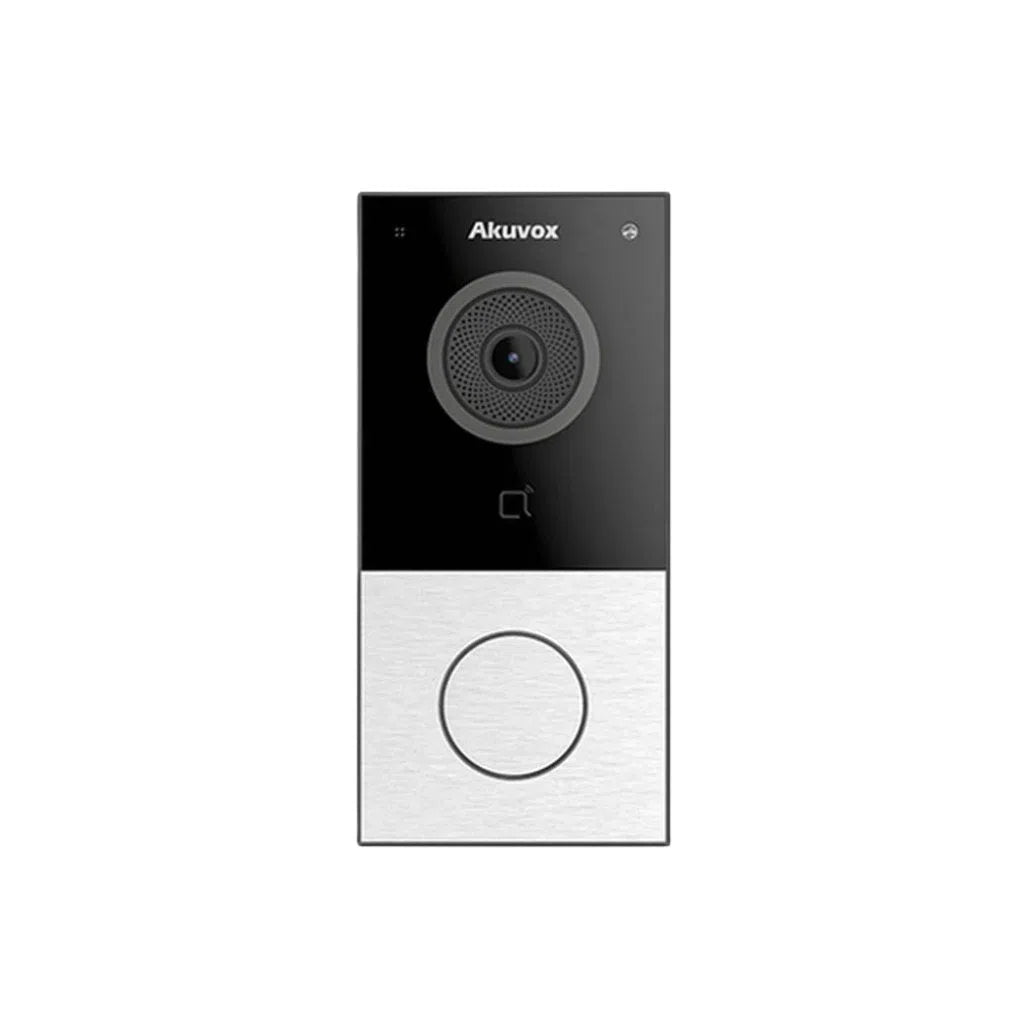
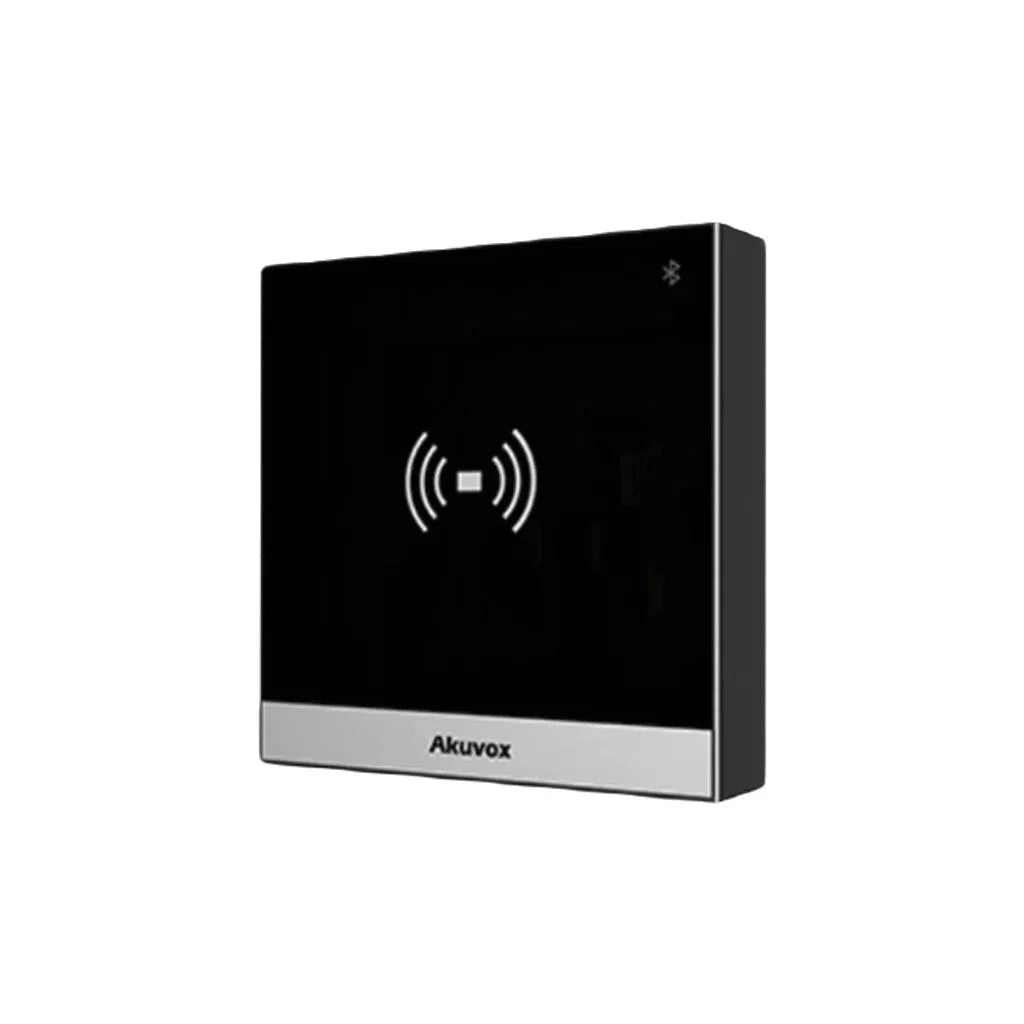
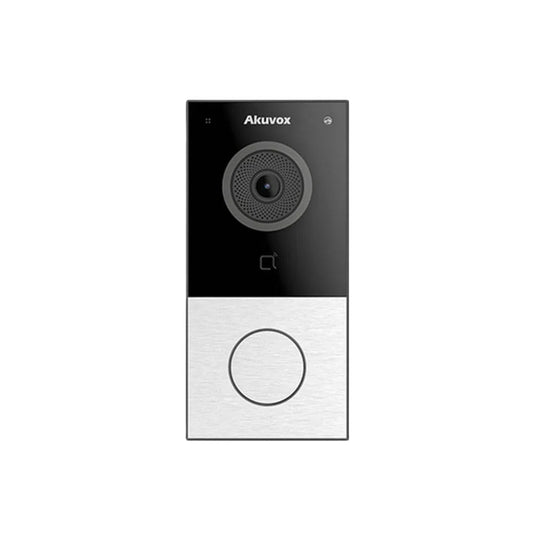
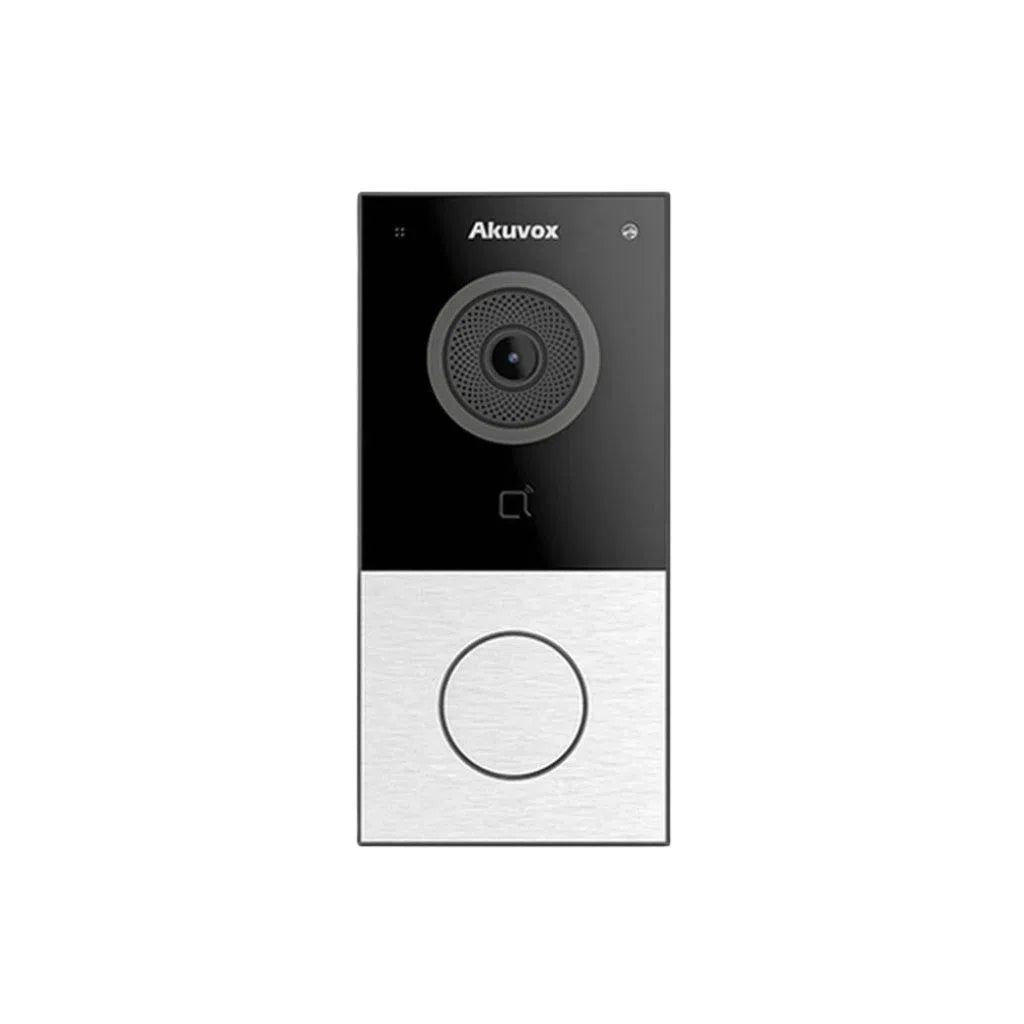
Akuvox E12S / E12W — Compact SIP Video Door Phone
A compact, single-button door phone with a 2MP camera, built-in RFID card reader, Bluetooth and Wiegand connectivity, PoE power, and an IP65-rated housing suited to outdoor mounting. It supports SIP calling to multiple phones and both cloud and local storage options, making it a solid, straightforward option for a single-entry house or small apartment building. The E12W variant adds Wi-Fi connectivity for sites where running a wired network connection to the door isn't practical.
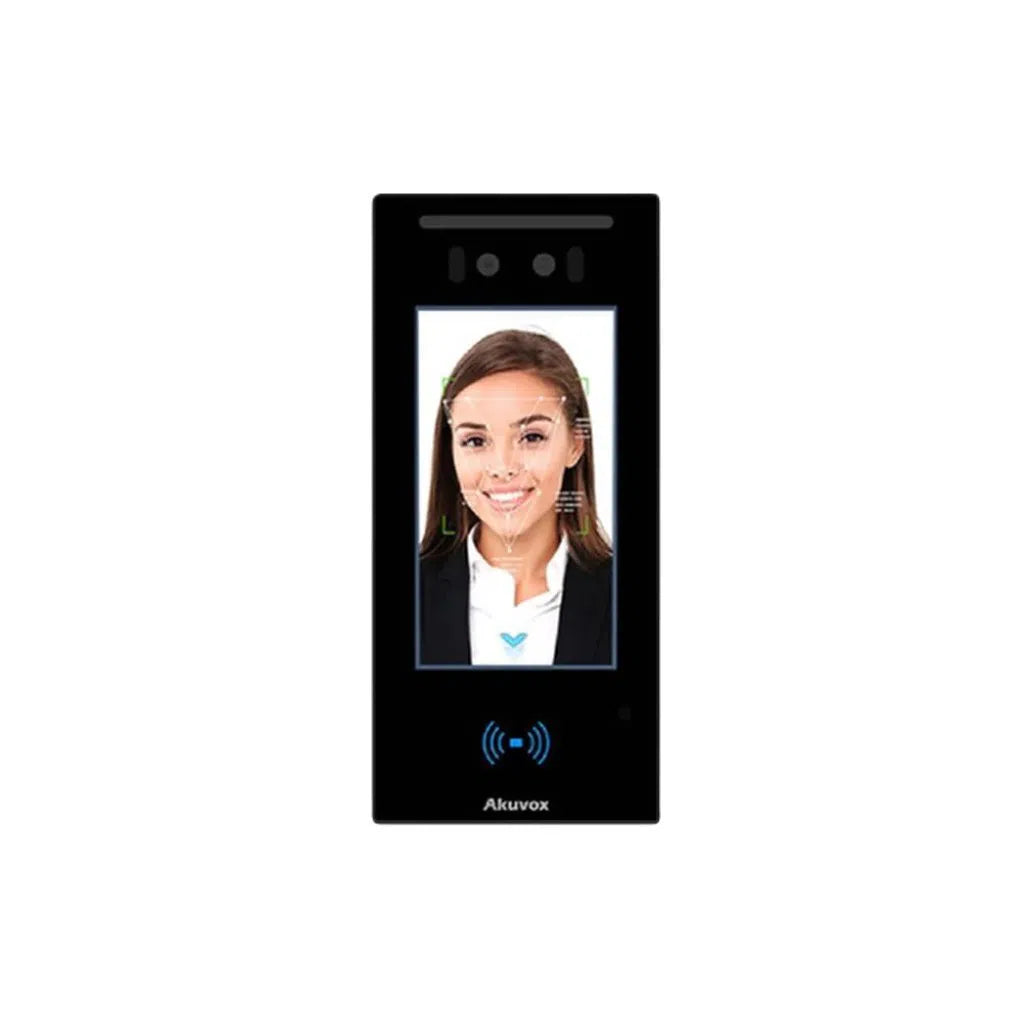
Akuvox E16C — Facial Recognition Door Phone
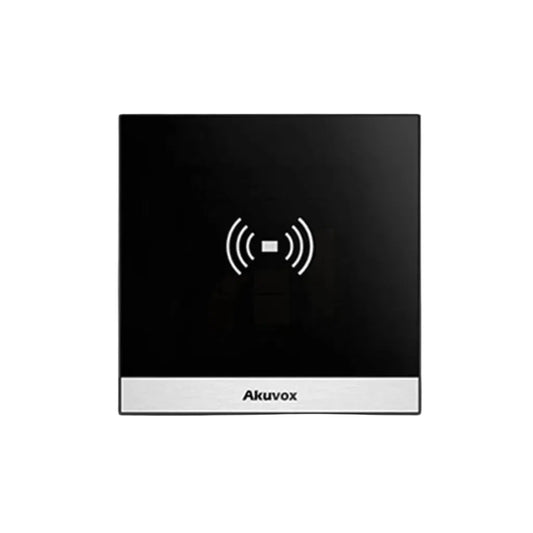
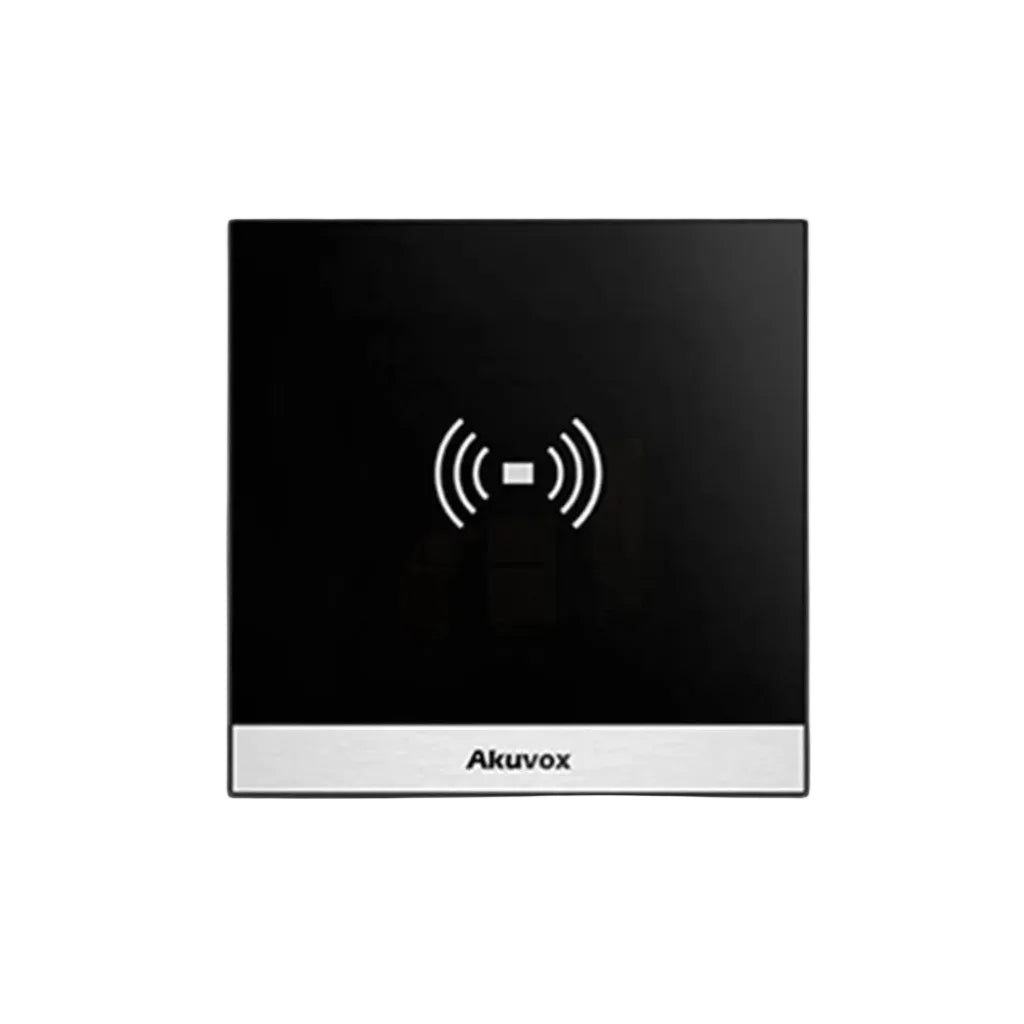
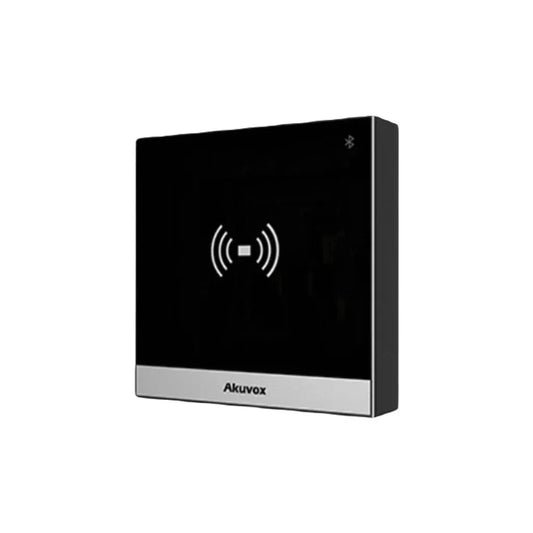
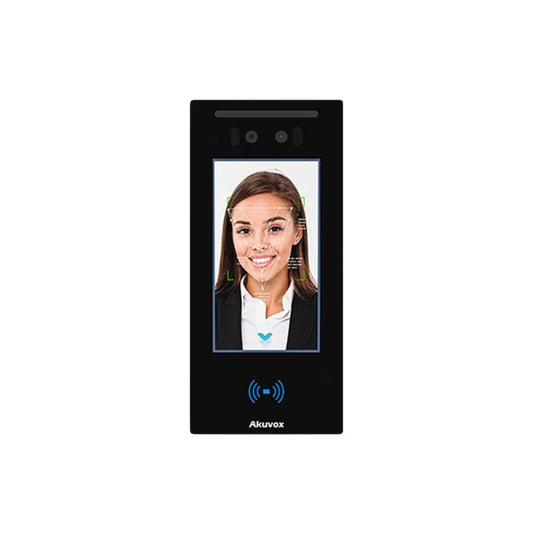
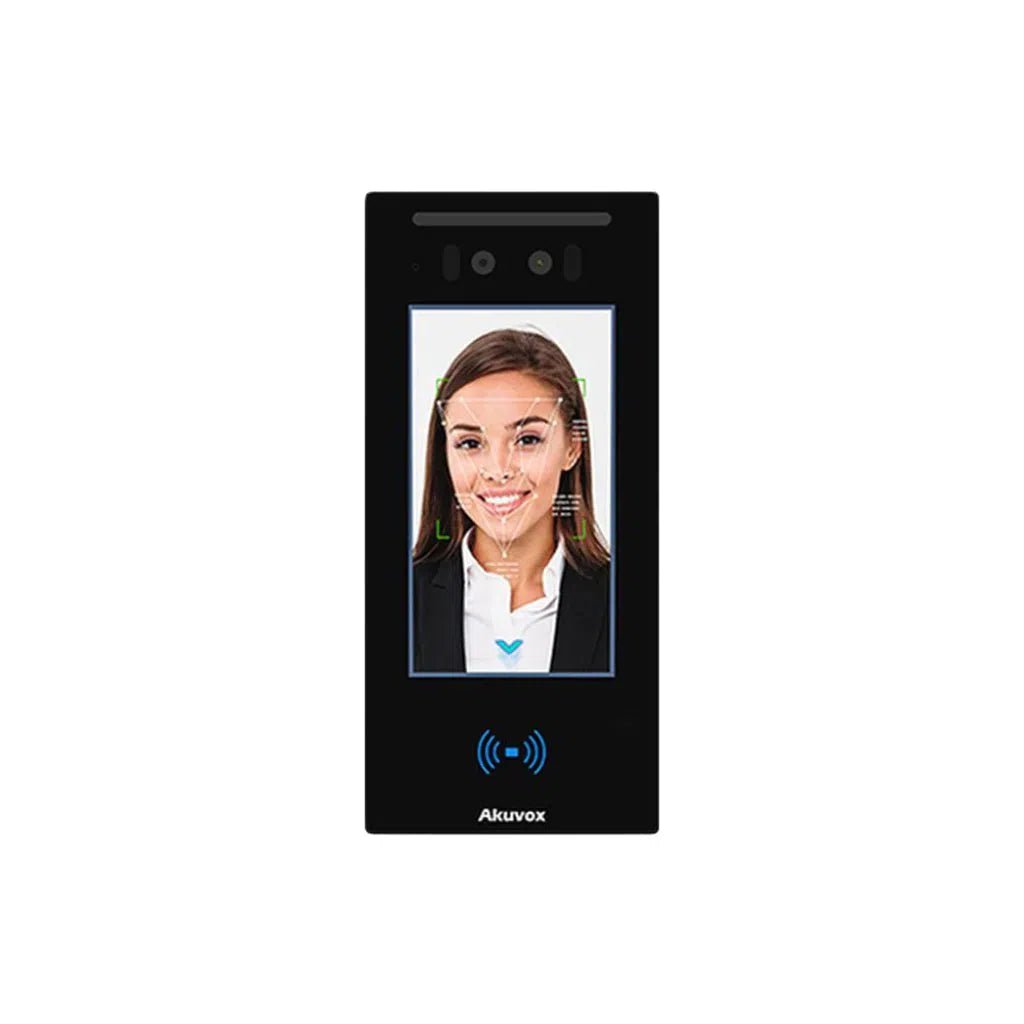
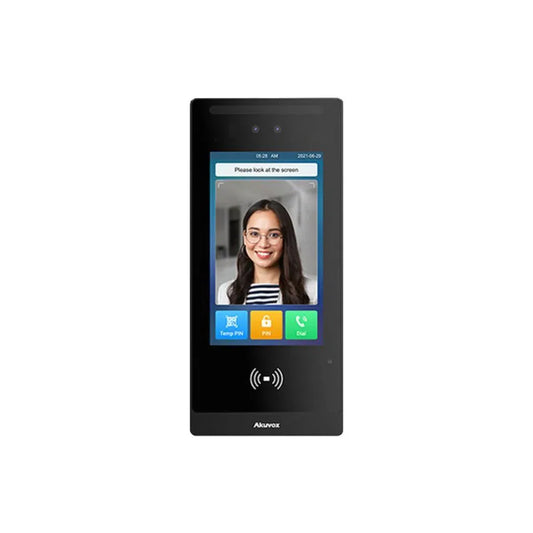
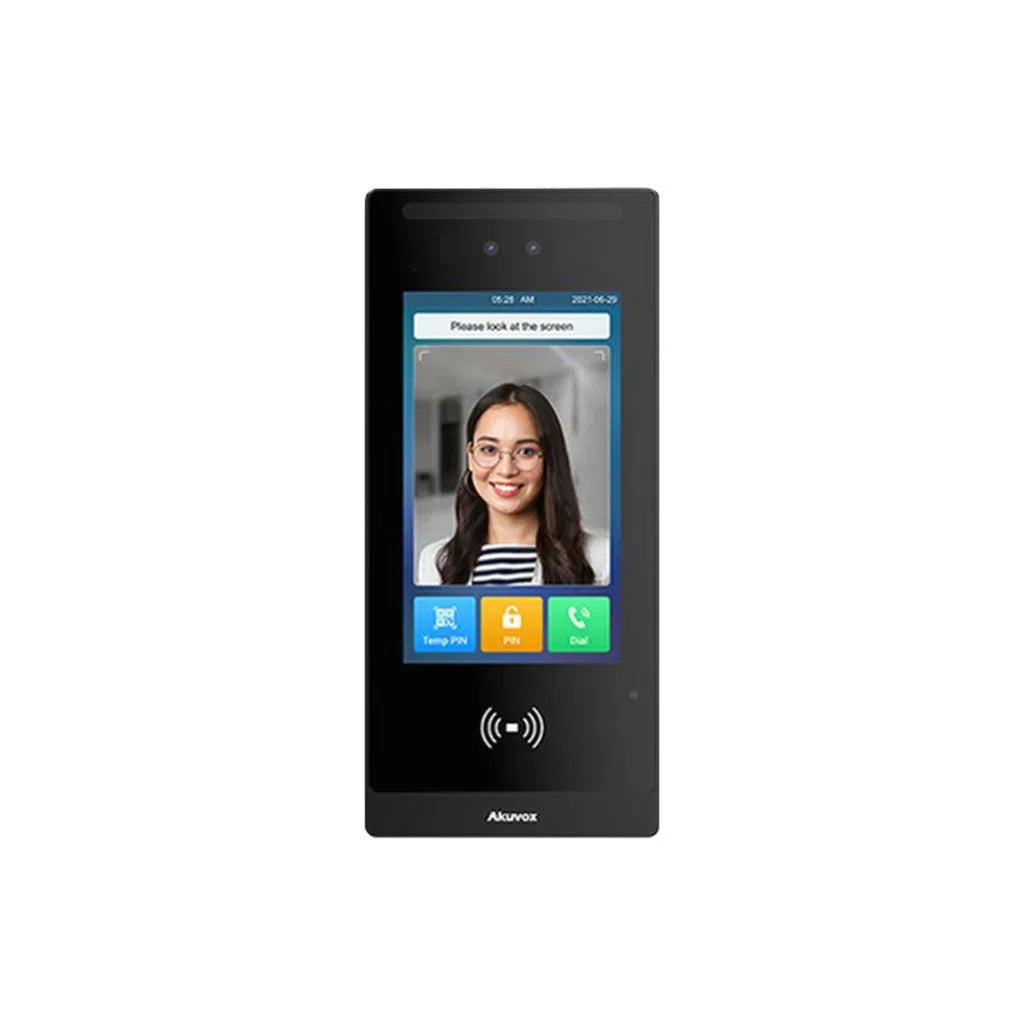
A step up in capability, the E16C adds a 5-inch touchscreen and AI-based facial recognition with mask detection and anti-spoofing (dual cameras guarding against photo/video spoofing attempts), supporting up to 20,000 stored faces and 20,000 access cards across RFID, QR code and PIN entry methods. It's PoE-powered and IP65-rated, and an optional thermal-scanning module is available as an add-on. This model suits larger apartment buildings, offices or commercial entries wanting multiple fast, contactless access methods rather than a single basic RFID reader.
Why Choose Total Security Equipment
We supply genuine Akuvox door phones Australia-wide from our Melbourne and Sydney branches, with technical guidance to help you pick the right model for your property and proper installation support rather than leaving you to work through wiring and configuration alone. We also stock Akuvox door stations and accessories, including the Akuvox E16C facial recognition door phone covered above.
Considering an Akuvox door phone for your home or building?
📍 26 Davies Ave, Sunshine North, VIC 3020
📞 03 9079 5566
Call us or send a message for a free consultation and quote.
Akuvox Door Phone FAQs
1. Does TSE supply Akuvox door phones Australia-wide?
Yes — we supply genuine Akuvox product across Australia from our Melbourne and Sydney branches, with installation support available.
2. Can I install an Akuvox door phone myself?
Mounting the unit itself is straightforward, but the electrical/wiring side of a wired intercom installation commonly needs to be done by a licensed electrician in Australia — check your local requirements before starting.
3. What's the difference between the E12S and E12W?
Both are compact SIP video door phones with the same core feature set — the E12W adds Wi-Fi connectivity, useful for sites where running a wired network cable to the door isn't practical.
4. Does the E16C really recognise faces reliably?
The E16C uses AI-based facial recognition with dual cameras and anti-spoofing measures against photos or video attempts, supporting up to 20,000 stored faces — real-world reliability still depends on correct mounting height, lighting and camera angle, which our team can advise on during installation.
5. Will these units hold up in harsh Australian weather?
These models carry an IP65 rating suited to outdoor mounting, though coastal salt air and extreme inland heat are both worth planning for with appropriate placement and periodic maintenance.
6. Can an Akuvox door phone integrate with my existing access control system?
Akuvox's SIP-based door phones are designed to integrate with broader access control and smart home platforms, but it's worth checking compatibility with your specific existing system before purchase.
7. What happens if my internet connection is unreliable?
Connectivity issues are the most common complaint, especially in regional areas — a wired network connection generally resolves this more reliably than a weak Wi-Fi signal at the door, with a Wi-Fi extender as a fallback option.
8. Is this suitable for a large apartment building, not just a single house?
Yes, with the right model — multi-unit buildings generally need stronger user-management and call-routing features, which is worth discussing with our team to match the right Akuvox model and configuration to your building's size.
9. Can I power the unit without PoE?
The models covered here are PoE-powered — confirm your specific site's network/power setup with our team if you're not currently running PoE-capable switches to the entry point.
10. What access methods does the E16C support besides facial recognition?
RFID cards, QR code scanning, and PIN code entry, in addition to facial recognition — giving multiple fallback options if one method isn't convenient for a particular visitor or resident.
Additional Information
Melbourne HQ
26 Davies Ave., Sunshine North, VIC 3020
03 9079 5566
Sydney Branch
38 Lisbon St., Fairfield East, NSW 2165
02 8722 0348
Ordering & Support
- Australia-wide prompt shipping
- 100% genuine official stock with full local warranty
- Akuvox door phones, door stations & accessories in stock
- Installation support across Melbourne & Sydney
- Professional technical guidance on model selection & integration
Want help choosing and installing the right Akuvox door phone for your property? Contact our Melbourne team on 03 9079 5566 or Sydney on 02 8722 0348.